Final Presentation and Documents
On the final teaching week, we presented our major projecr outcomes and our PDF submission ideas to hand in in a months time. The presentation went well and I was inspired by how the others presented their work too. I spent the final weeks of the module finishing my blogs, developing my final PDF and 2000 word write-up. Doing this at this stage meant that I could reflect on my work and see how much progress I had made up until this point.
VR Amendments
As the VR APK was now working on the headset, I was able to make some final amendments to the scene. I started my reducing the spawn size so it wasn’t gigantic anymore.
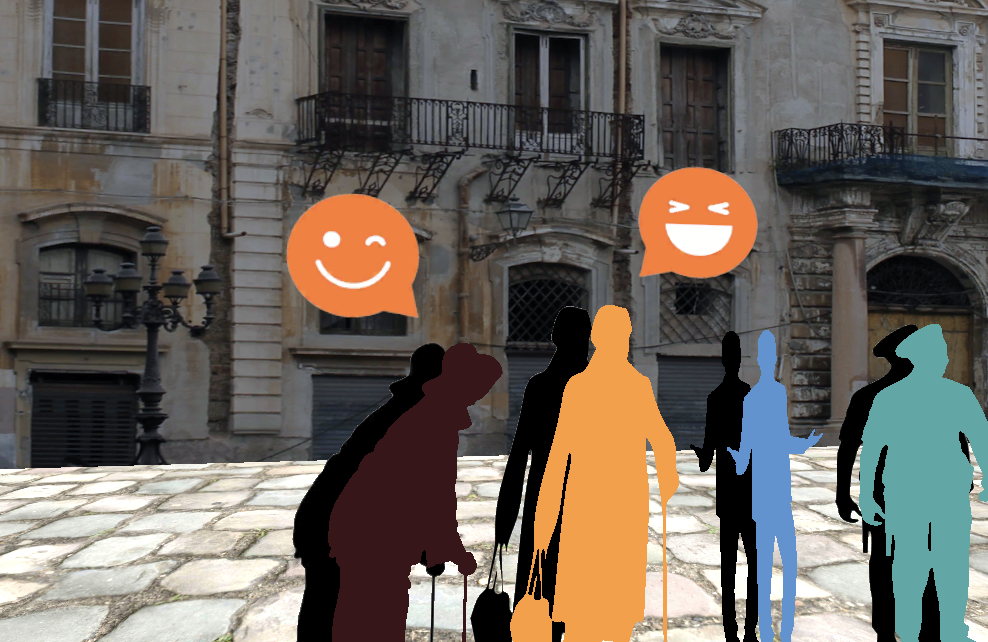
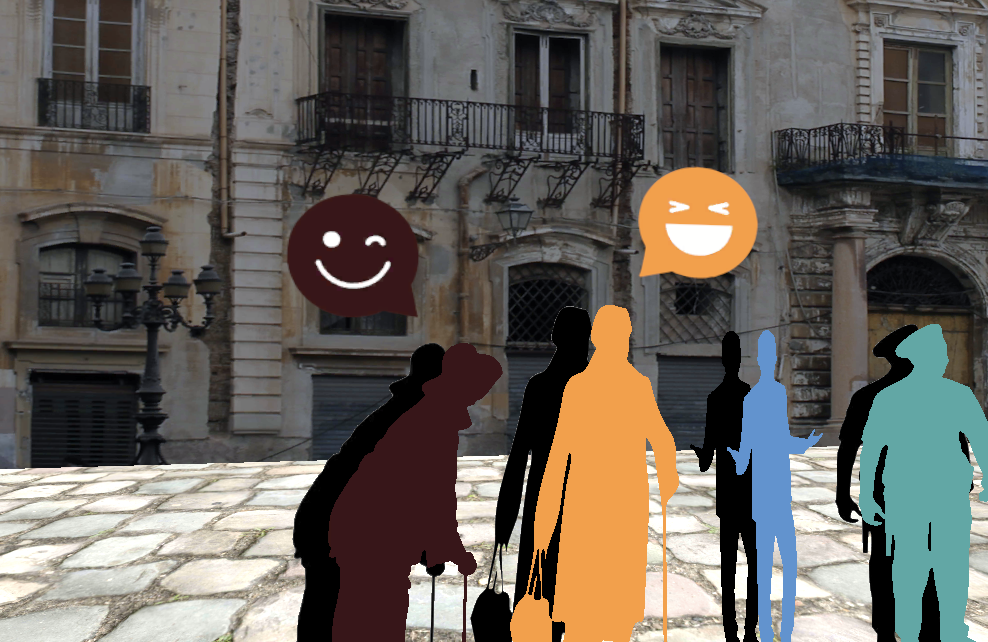
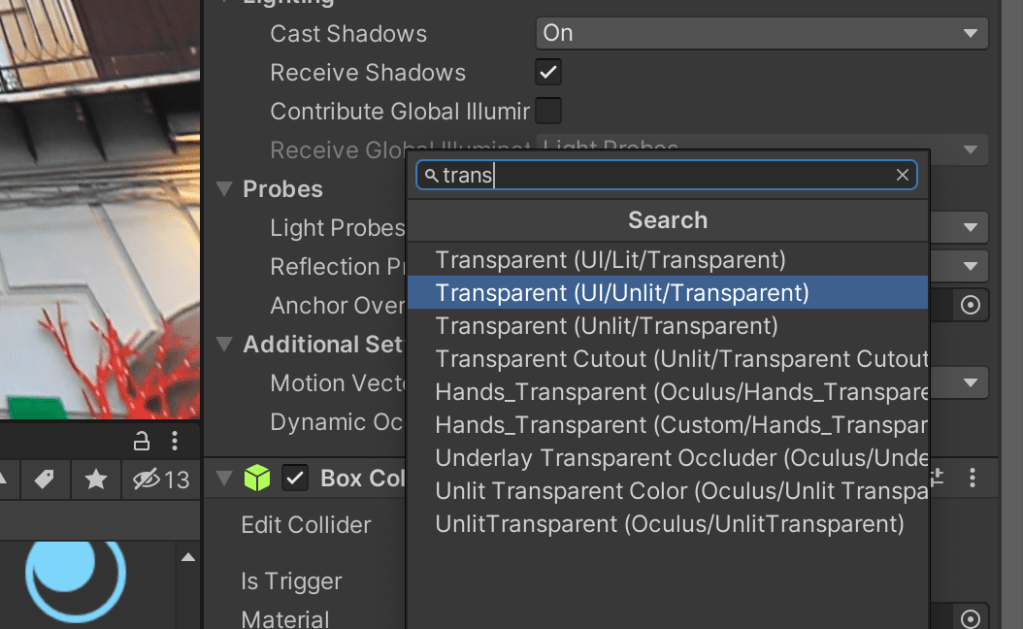
I found a way to change the background so it’s completely transparent (see below).
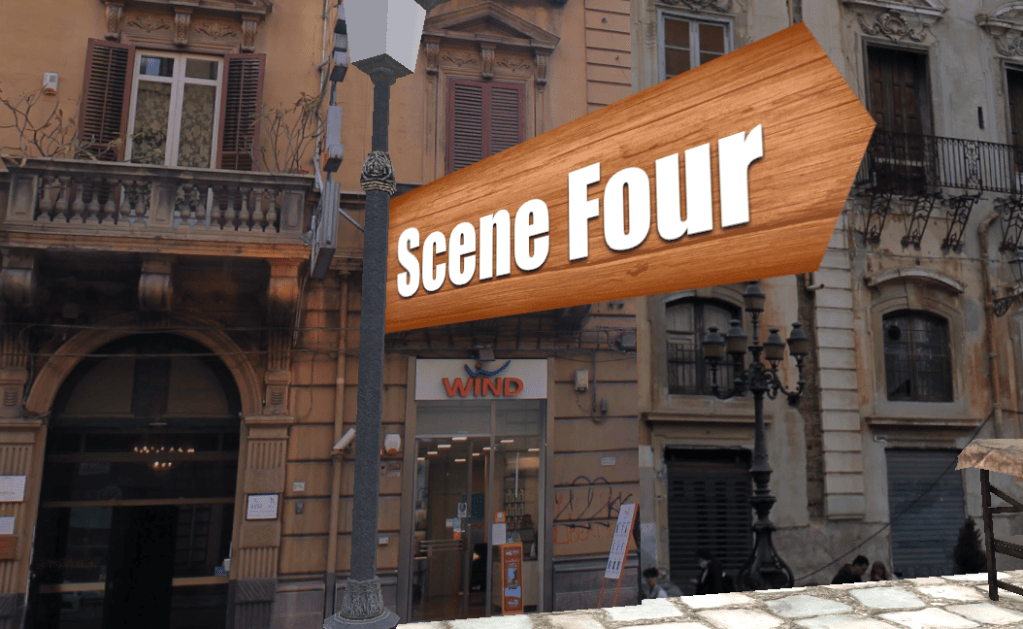
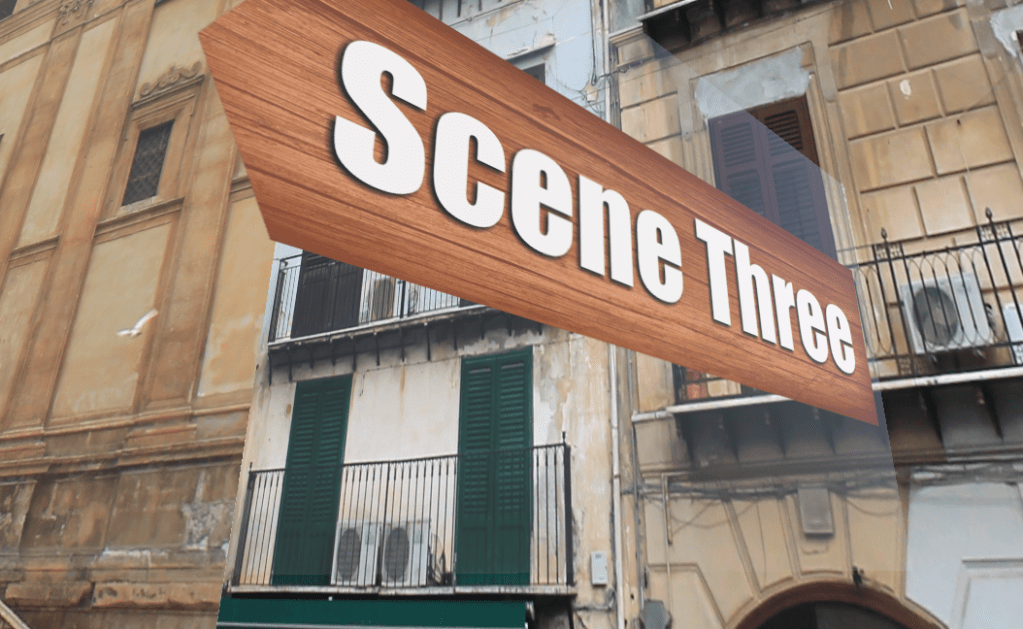
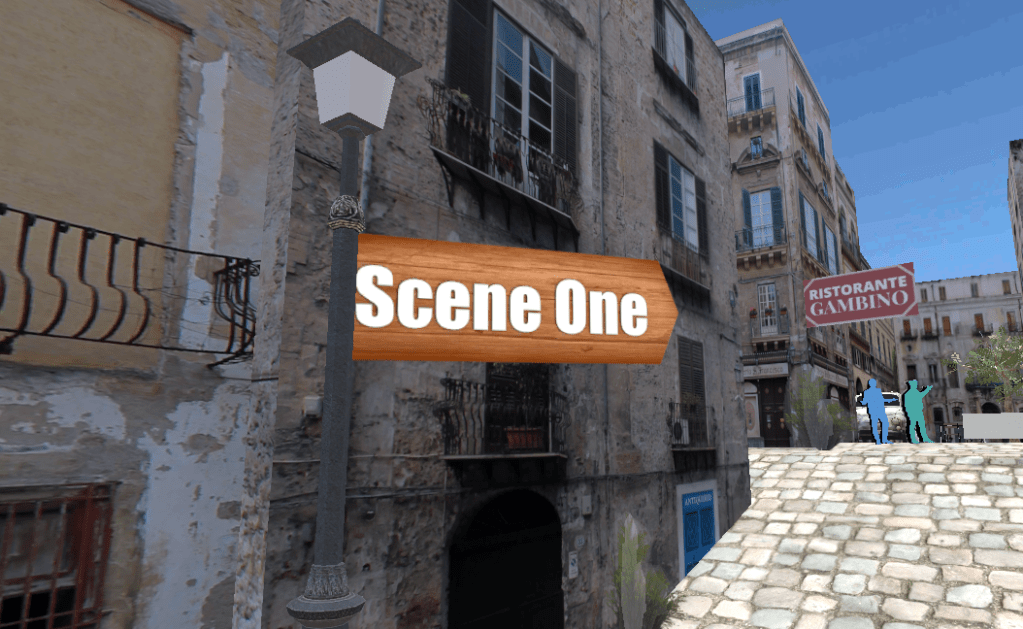
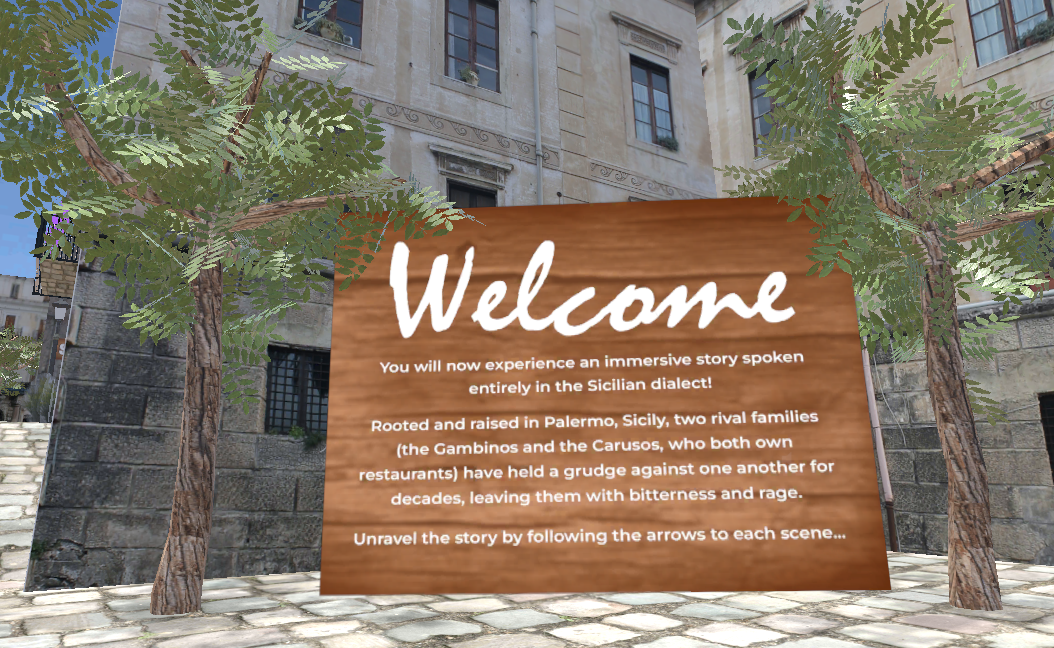
After changing the fonts and text positing slightly on the entrance and exit plaques, the information resulted in being much more legible (see below). I tried other fonts and styles but they didn’t work.


I then tried to insert a simple code David (Antiloop) created for me and made triggers around the videos along the scene, however it didn’t work. So I reached out to him again for help as this was going to make the videos only play once the viewer is nearby.
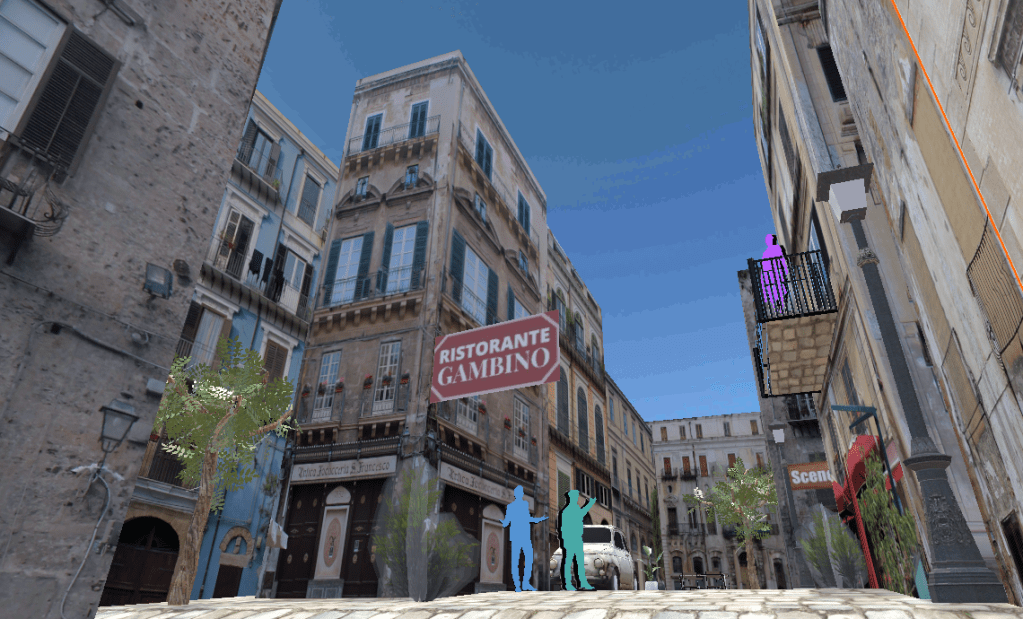
I noticed at this stage the restaurant signs were placed on the wrong buildings, so they were changed and corrected.
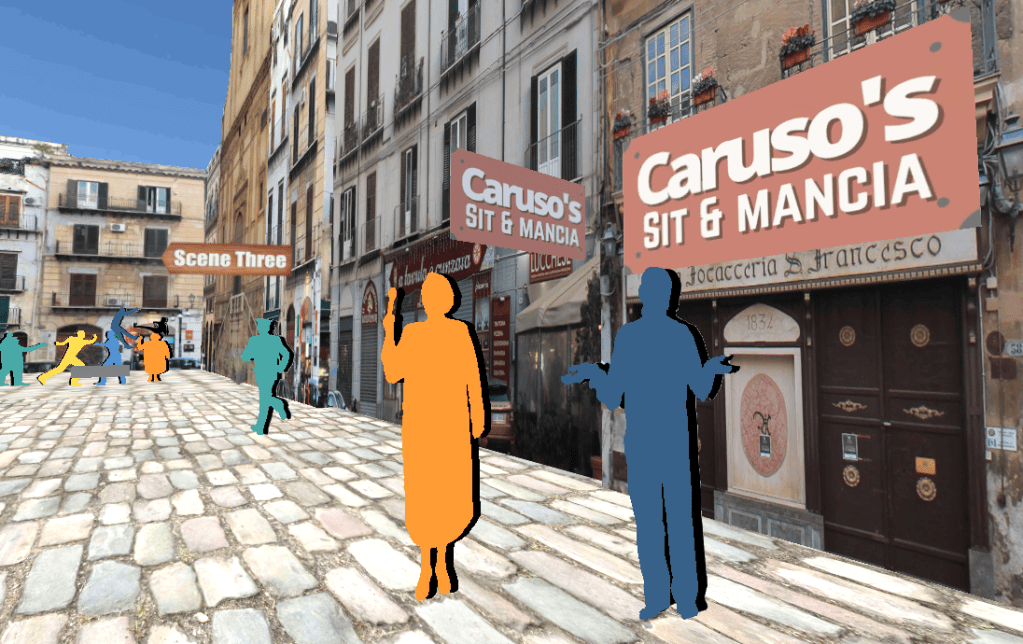
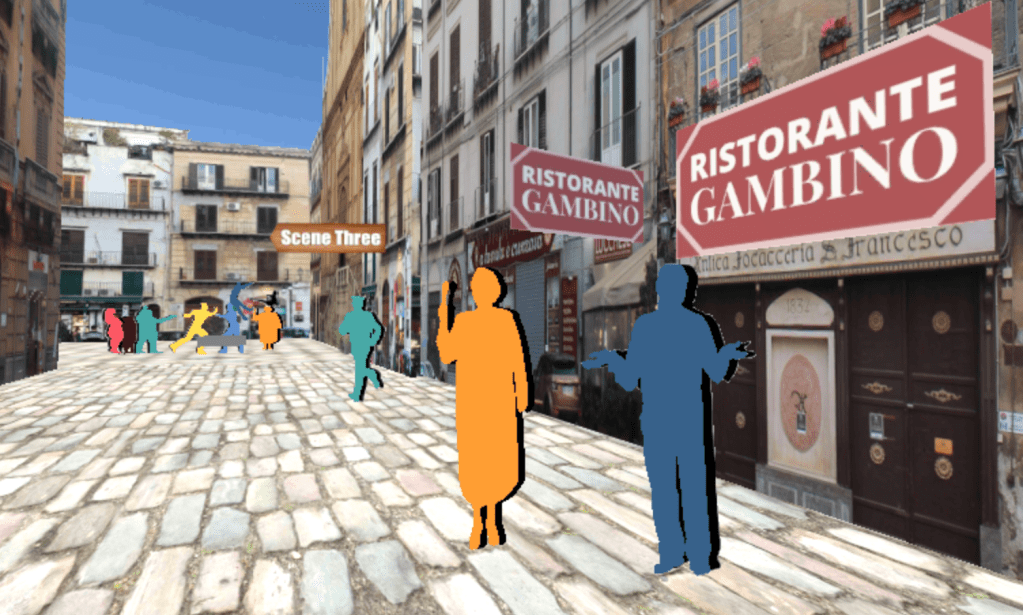
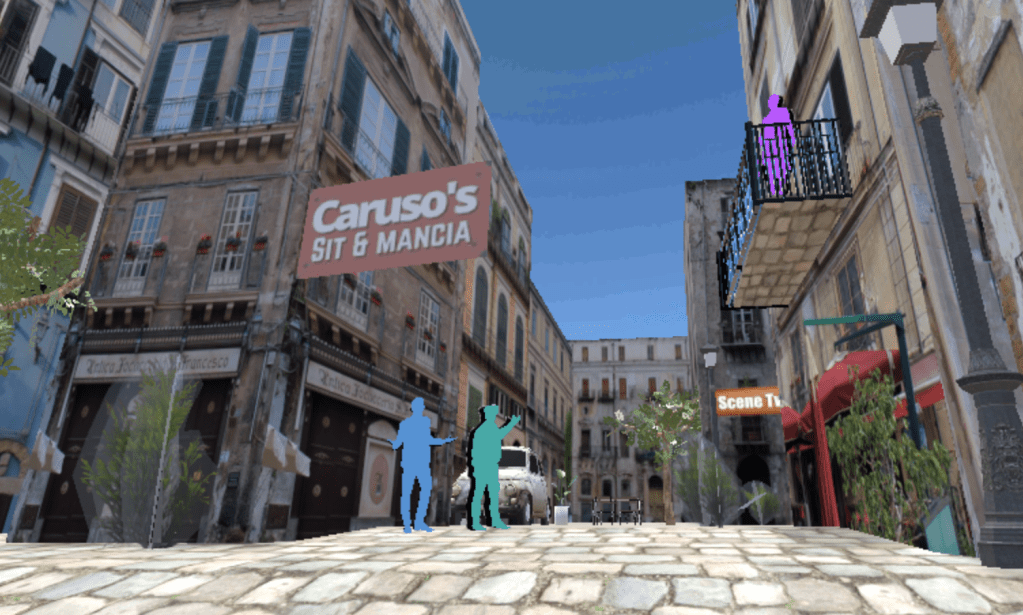
Further errors occurred on Unity where I couldn’t import the Oculus integration into the scene after many attempts.
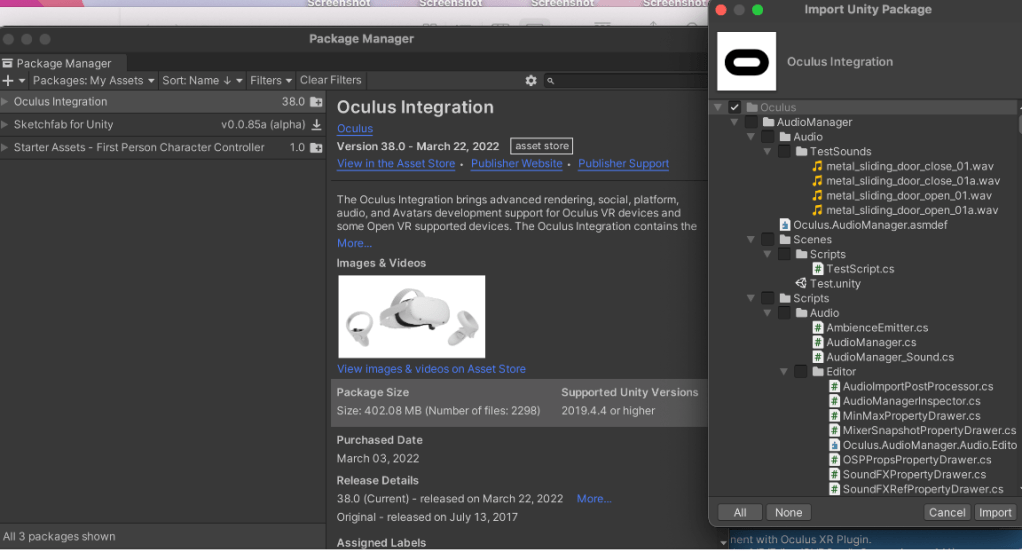
I managed to work with a friend on the errors, as David wasn’t responding, and we managed to insert the code and objects into the scene. However I couldn’t ‘build’ still as there were errors.
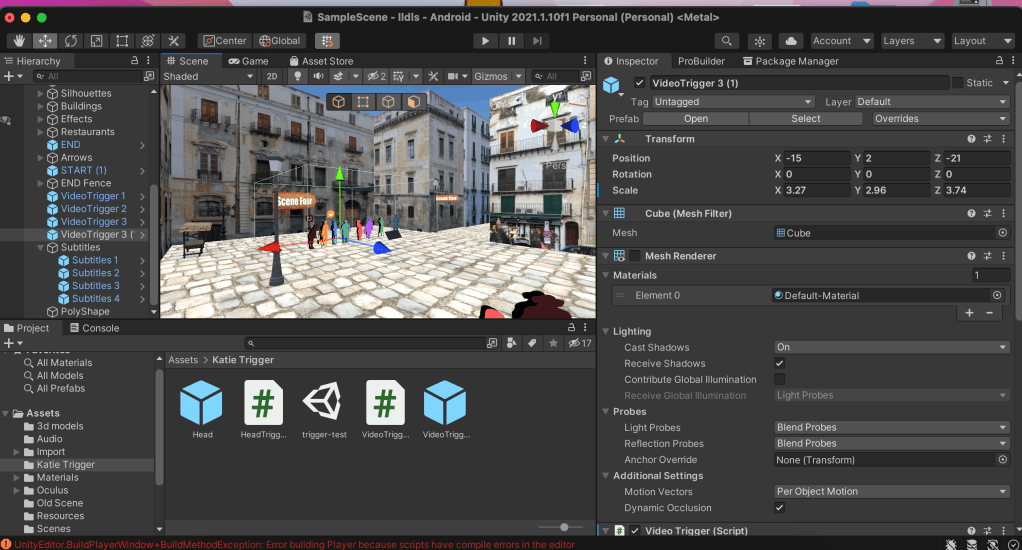

I contacted different departments again within the university all of the suggestions online didn’t work.
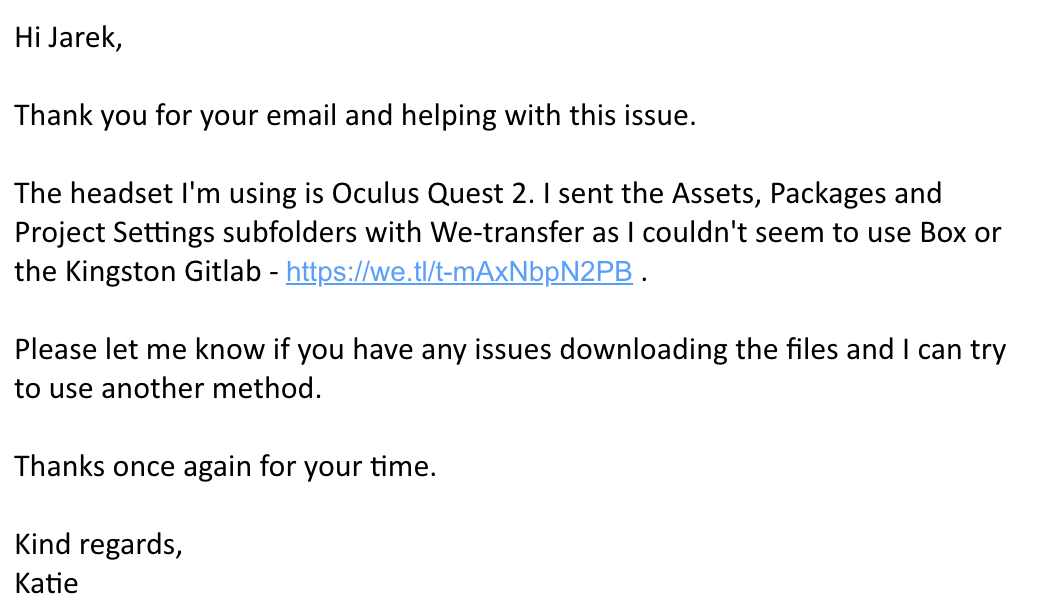
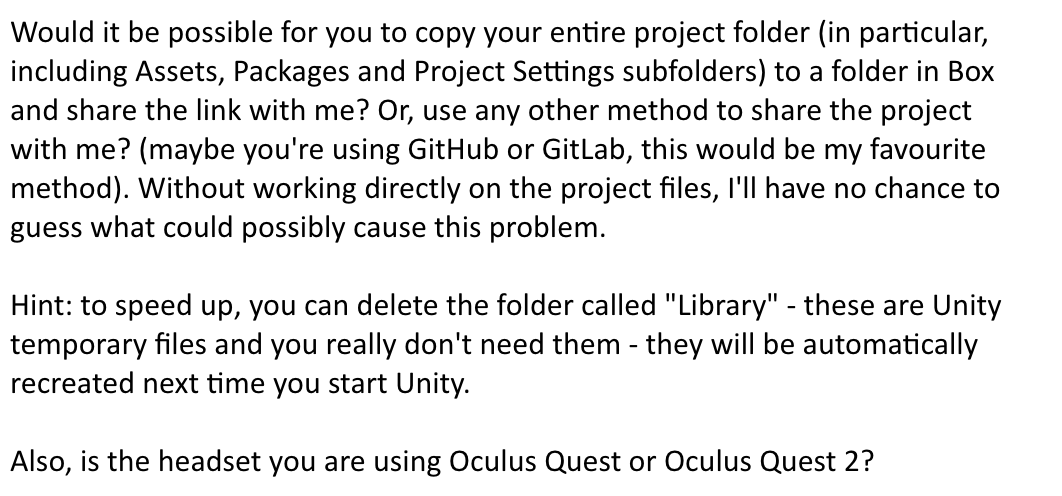
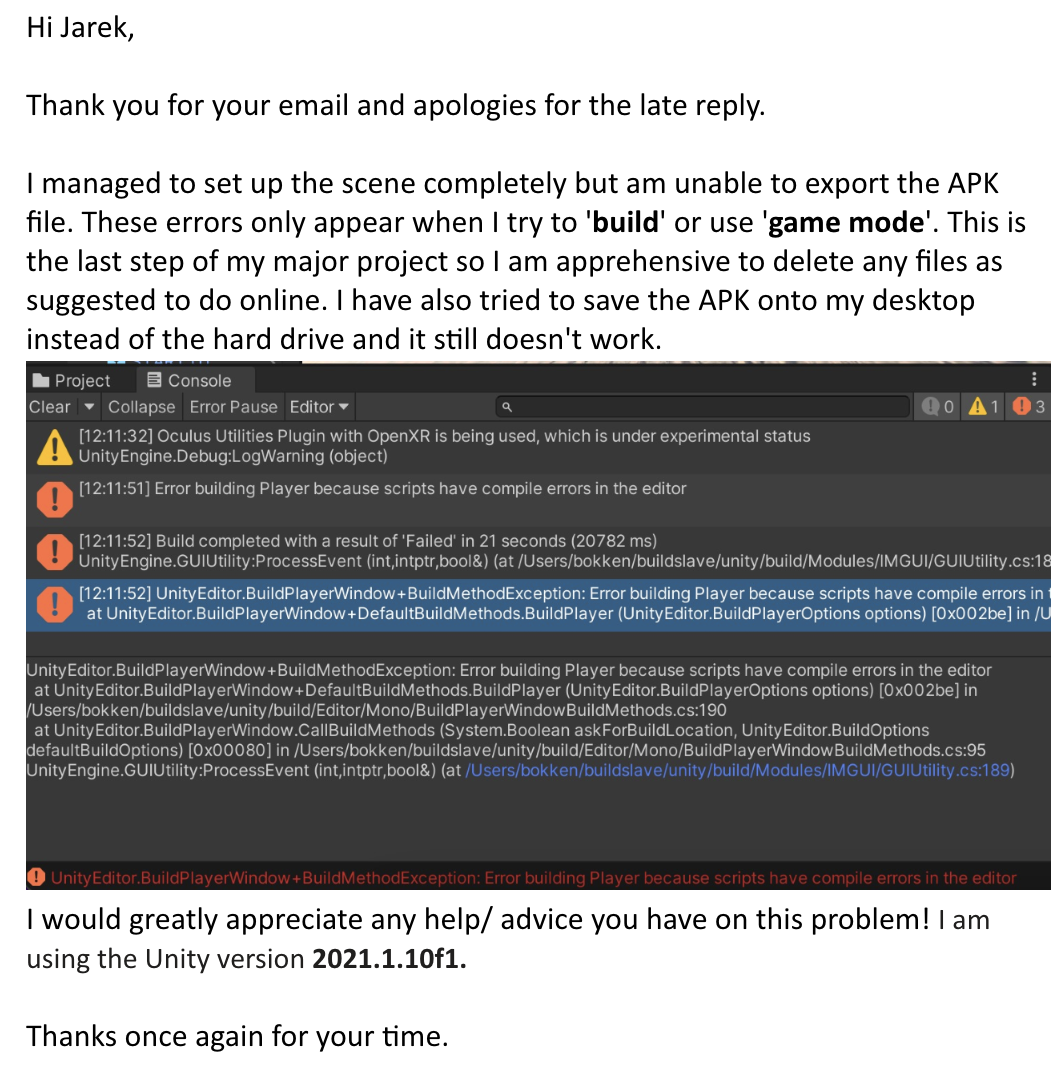
The communication continued and I transferred my files to him however he didn’t reply since then.
The following week I scheduled a meeting with David who kindly accepted to help with the Unity errors. On Teams, we found that the scene worked on his Unity version and he made some adjustments to the navigation and barriers. This was interesting to see as I was able to learn from the changes he made and saw what using Unity was like for someone with more experience.
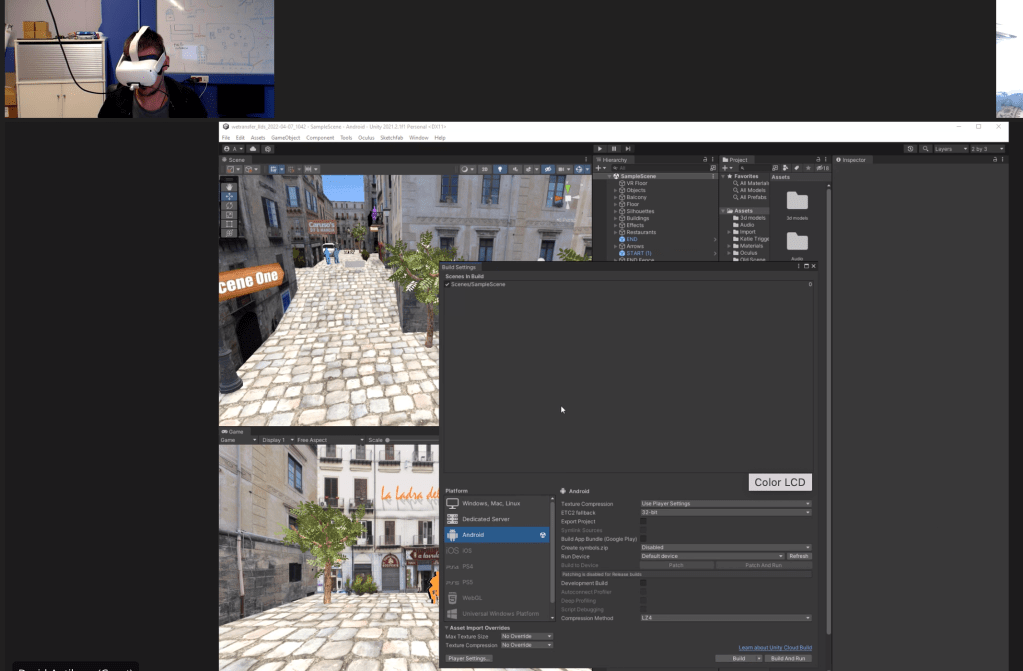
The scene still wasn’t working by the end of the call, so he offered to try exporting the APK the following day. Unfortunately I didn’t hear from him for a week which put the project back slightly. In the meantime I worked on the submission PDFs and tried to resolve the issues myself. When he came back to me with the amended Unity files, they couldn’t be uploaded onto the Unity platform which meant I wasn’t able to make further changes to the scene. Luckily he exported the APK file from his computer which meant I was able to work on uploading it to the headset.
Uploading APK to Oculus Quest 2
I followed multiple tutorials to side-load the APK file to the Oculus Quest headset, however the video tutorial above was the easiest to follow. After spending a few hours setting up my Oculus account, re-booting the headset to log-in, installing Side Quest to my computer, uploading the APK file etc, I could finally access my scene onto the headset! This was a very rewarding moment as I was able to record my experience walking through the scene in VR, and finally move around the place I created from scratch on Unity!
Short Reflection
This project has been very rewarding to work on and I have thoroughly enjoyed each step of the experience. Despite having many technical challenges, I learnt a lot of new problem solving skills along the way! The skills I have gained across platforms such as Unity, Premiere Pro, Blender, Photoshop, Side Quest and more, have enabled me to create a fully-functioning game in virtual reality from scratch! The practical development behind the scene was also an eye-opening experience, such as; story-building, writing a script, recording voice actors, taking photos in the city, recording audio samples etc.
In the future I look forward to growing and learning more as a creative, pushing limits we place on ourselves to create experiences like this that test and change the way we see the world.
To access the APK, please open this link – https://drive.google.com/file/d/1EPGUmFp5l_LG4Myu_-tPaAClUReNOj66/view?usp=sharing
 KatiesBlog