Scene Development in Unity
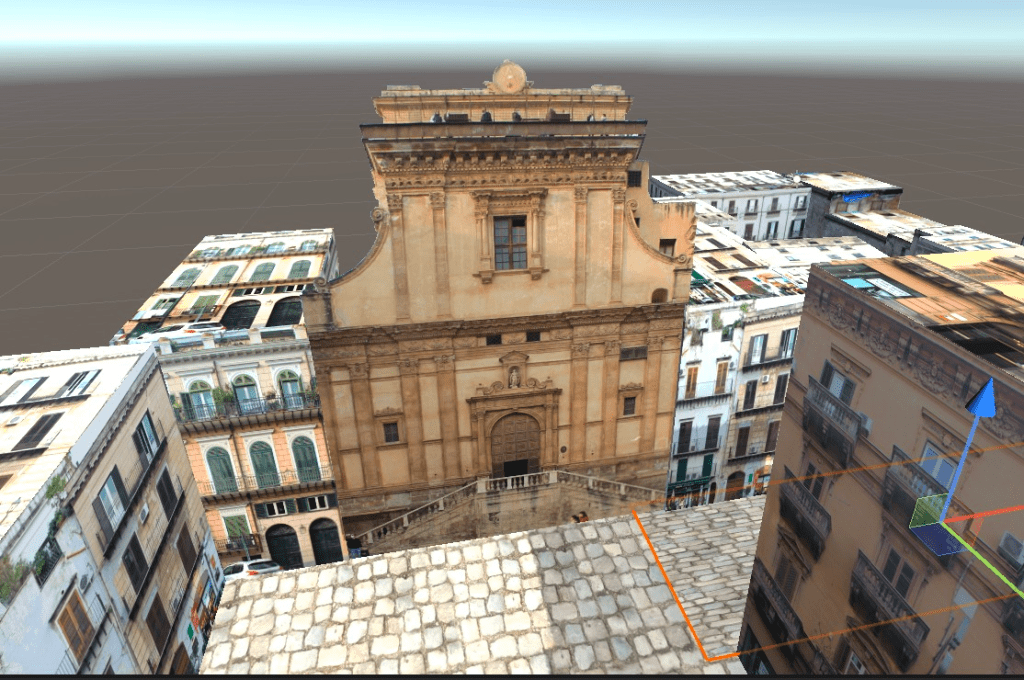
This week, I learnt how to insert flat objects onto planes without a background on Unity. I initially discovered I couldn’t drag and drop PNG files into unity, so I tried this method and it worked. Then I inserted objects in parts of the scene so the user knows not to go down certain areas (instead of boundary lines).

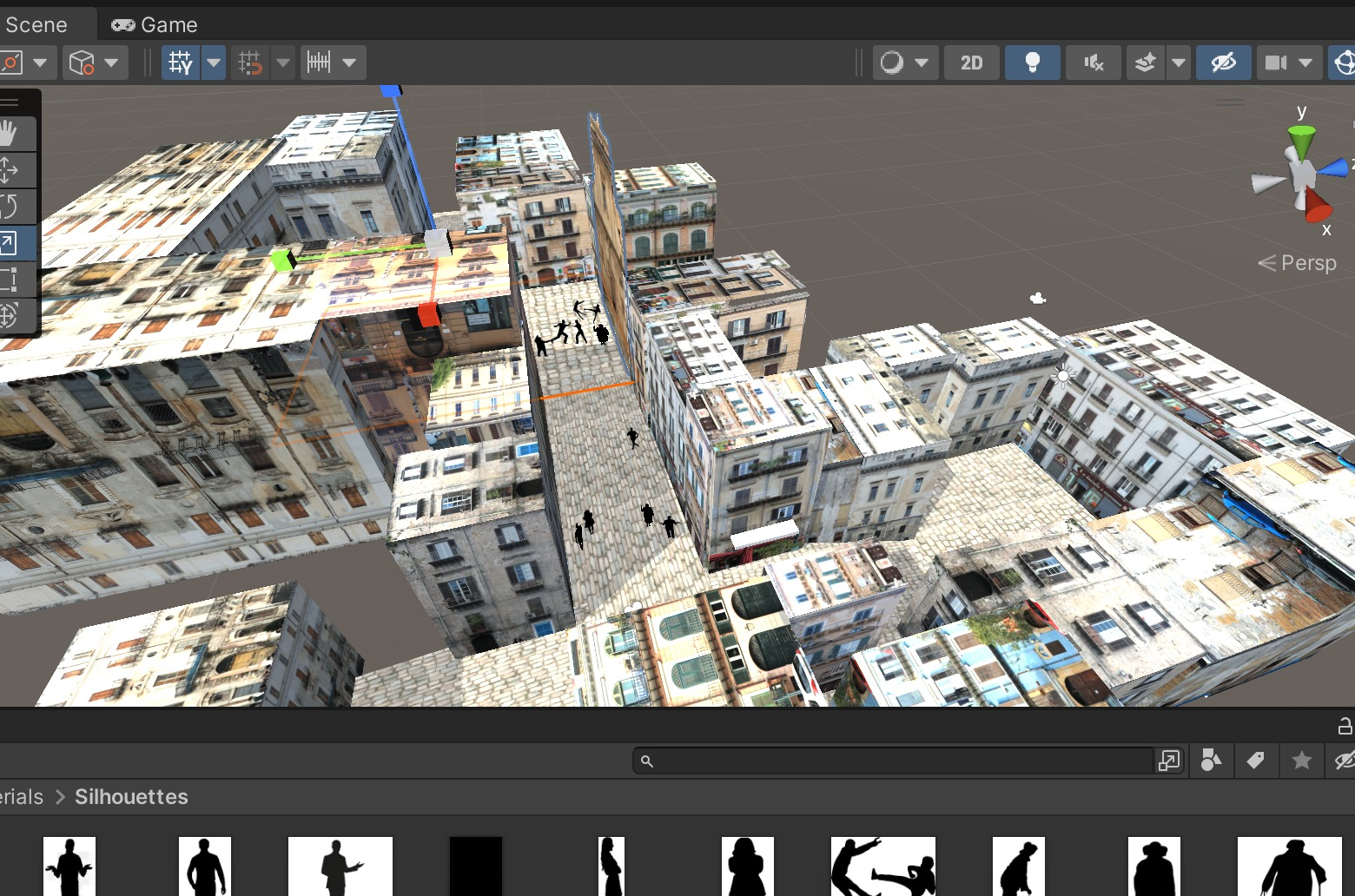
Silhouette Development and Placement
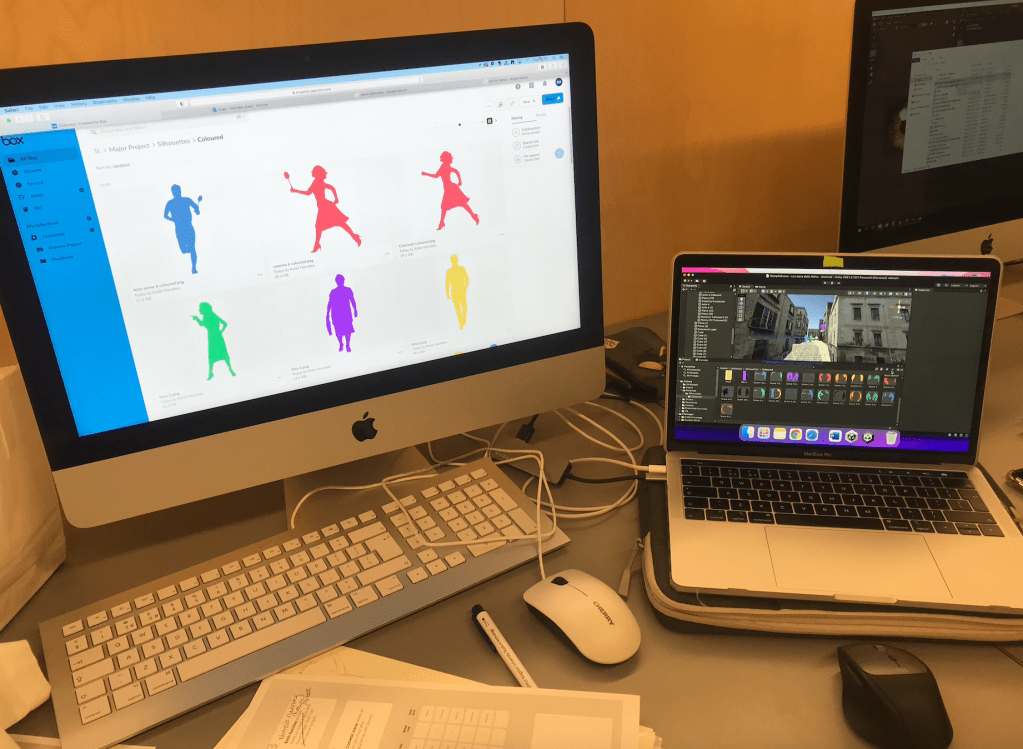
This week I worked on making the silhouettes visible within the scenes. I worked on the positions of the silhouettes the previous week and edited, vectorised and inserted the coloured versions on-top of invisible flat objects. Having these vibrant colours gave a new level to the project. I also had to add and change characters colours throughout this process.
I changed the colour character codes as listed below:
Rita Caruso – Purple – bb59ff (CHANGED) Done
Antonino Caruso – Light Blue – 5693d2 (CHANGED) Done
Nunzio – Green – 48A9A6 Done
Nonna Caruso – Brown – 3C1518 Done
Pino Gambino – Yellow – ffdf4f (CHANGED) Done
Alfio Gambino – Blue – 38618C Done
Caterina Gambino – Red – FF5964 Done
Nonna Gambino – Orange – FF9C33 Done
Nina Gambino – Green – 56d288 Done
Guitarist – Orange – FF9C33 Done
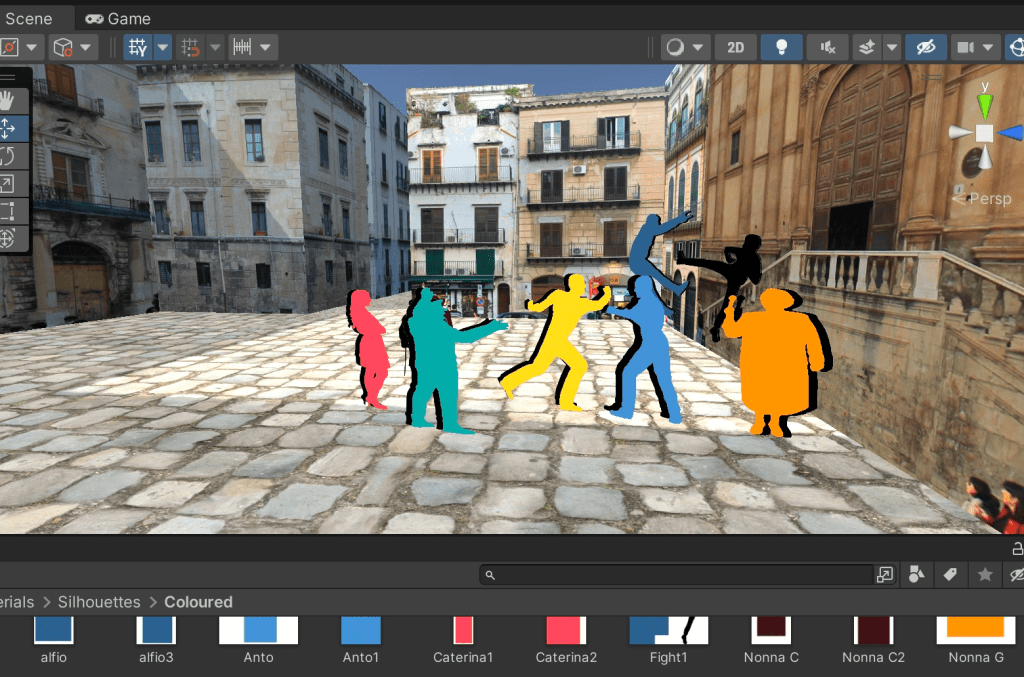
I kept the black silhouettes behind so you can see the characters more clearly.
References:
Silhouettes
shorturl.at/uvTV9 – man running
http://silhouettesfree.com/download-silhouette/guitarist-silhouette-2/ guitarist
shorturl.at/vyBPT – woman running
3D Models in Scene
https://sketchfab.com/3d-models/fiat-strada-lowpolycarchallenge-d18048a6f7f04dad84a704aea1c02c5b – fiat
https://sketchfab.com/3d-models/fruit-veg-market-cf9d11b27bf7478a857a6abcbbb00cd3 – fruit market
https://sketchfab.com/3d-models/market-table-7de5195eeb26449a845d489e57cabc0b – Market Table
https://sketchfab.com/3d-models/trees-low-poly-1d2dcca2ccb1496c85b7cc5789a2a261 – trees
https://sketchfab.com/3d-models/renault-logan-2004-e4f9463f6e004b90bb977d12f6375b9c#download – car
https://sketchfab.com/3d-models/3-pine-bushes-ddac4359daa94d6ea8e98832870b1e0e – 3 pine bushes
https://sketchfab.com/3d-models/lamp-post-2b6c56b1c93e4047998c0cccd3350f3f – lampost
Importing PNG’s Unity – https://www.youtube.com/watch?v=CsSoqjNrA8o
https://www.youtube.com/watch?v=XDc_T6AZbts – used
Textures
polyhaven.com
Script Updating
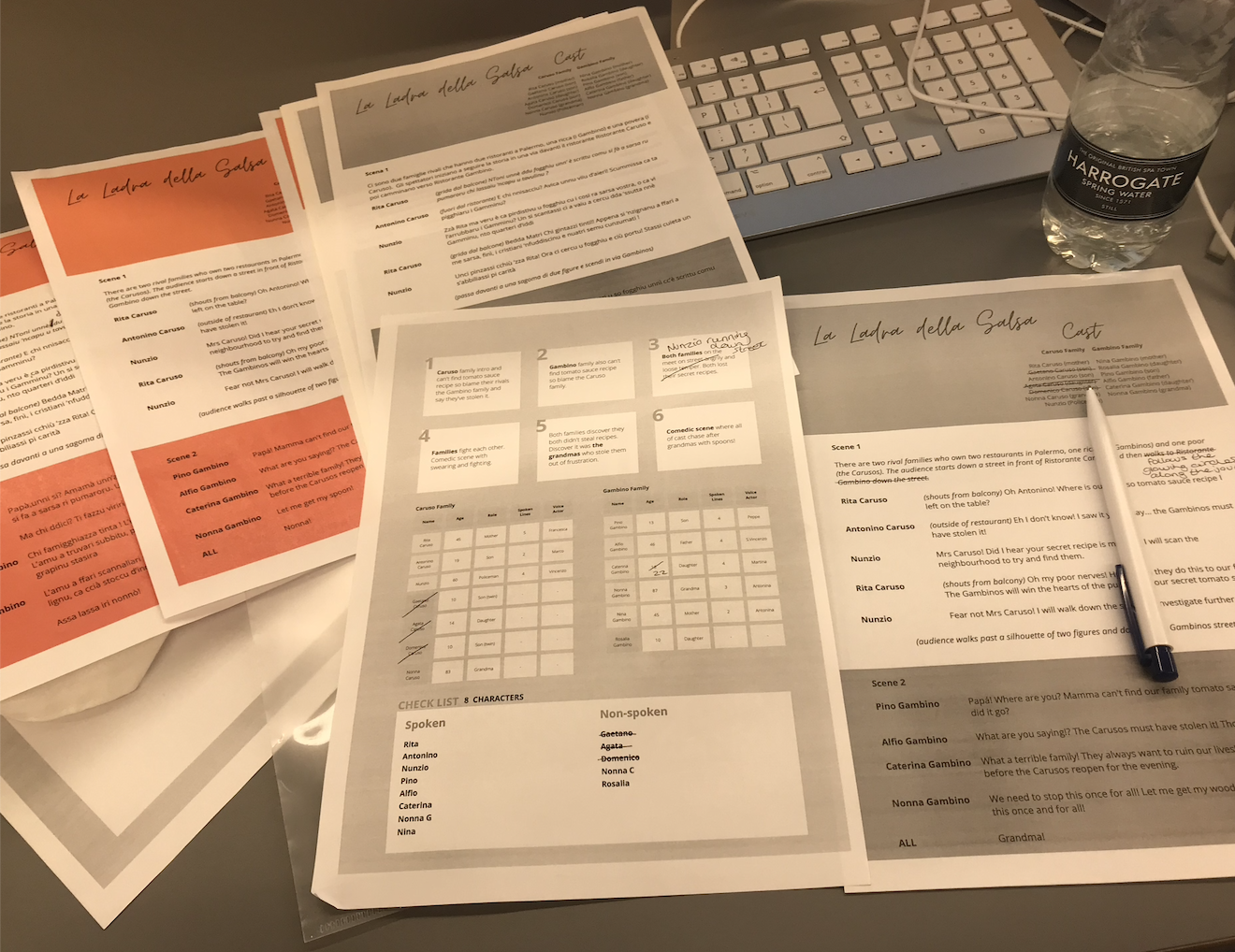
I updated the scripts and took out characters which didn’t make the final cut. I updated the script video on Premiere Pro and noted the timings to follow etc and updated all scripts.

Audio Triggers in Unity
I followed the YouTube video above to insert audio files into the scene. Game objects were added around areas for audio triggers and also on preexisting objects. The audio triggers worked around the scene and I was able to stagger the audio around the scene so they don’t all play at once. This didn’t happen in the same way for the subtitle videos.
‘Try with English first and then try with other languages with buttons‘ – lecturer commented about the subtitles.
Skybox in Unity
To make the scene even more realistic, I added a skybox by following the tutorial above and inserting a texture from polyhaven. The texture was a scene of the beach from Mondello (near Palermo) so it worked well with the project. After this I had a challenge exporting my scene into the VR headsets, so I wasn’t able to see the scene in the Oculus up until this point.
References:
https://polyhaven.com/a/spiaggia_di_mondello
https://support.spatial.io/hc/en-us/articles/360059258471-Creating-a-Skybox
 KatiesBlog