Unity Scene Transfer – Problem Managing
After spending 6 hours trying to reinstall Unity onto my laptop, I decided to try and to the scene transfer on the PC’s at the university. I ended up transferring scene very quickly, but what took the most time was moving each object over as a preface and then finding the correct shapes/ materials to match them with.
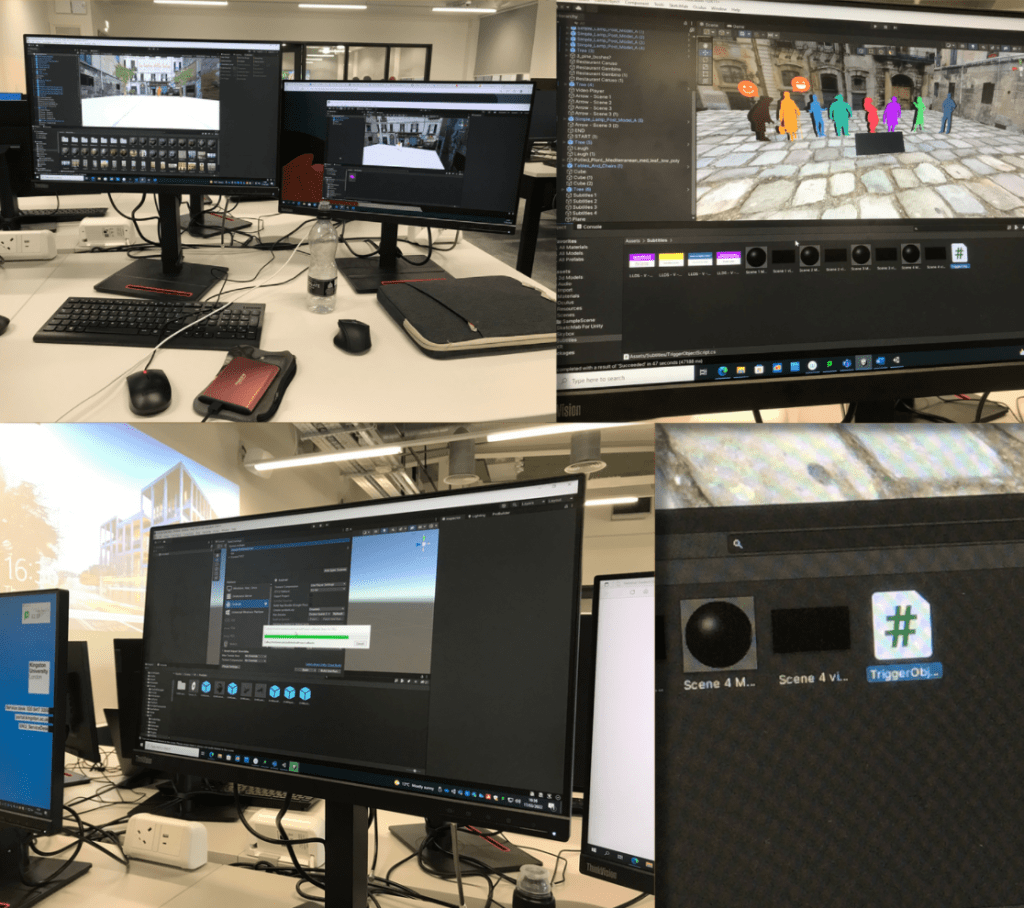
While I was sorting through the old scene I found the faulty code I was working on previously. With a friends help, we spent almost a whole day trying to get the VR to work but it didn’t. Before creating this new scene, we added a basic scene to the file and added the VR elements and it worked so we were very confused at this stage. As a result of this, I booked an appointment in with a technician to get some help with the scene.
Just incase the scene was facing further errors, I went to the science computer lab to record the scene in editor mode so I would have something if it did crash again. I tried to set up my scene on the Macs on campus, however the unity version couldn’t be installed on any of the computers. I couldn’t screen record on some of the PC’s due to their very low quality recording. I ended up screen recording the old version of scene to edit on Premiere Pro as it had better quality lighting. I edited video and added audio and subtitles.
Eventually I spoke with a technician about the project in person but he didn’t know how to resolve problem. The advice he did give was to try and have it accessible on a desktop ‘WebGL‘ instead of VR, but that wasn’t what I was aiming for.
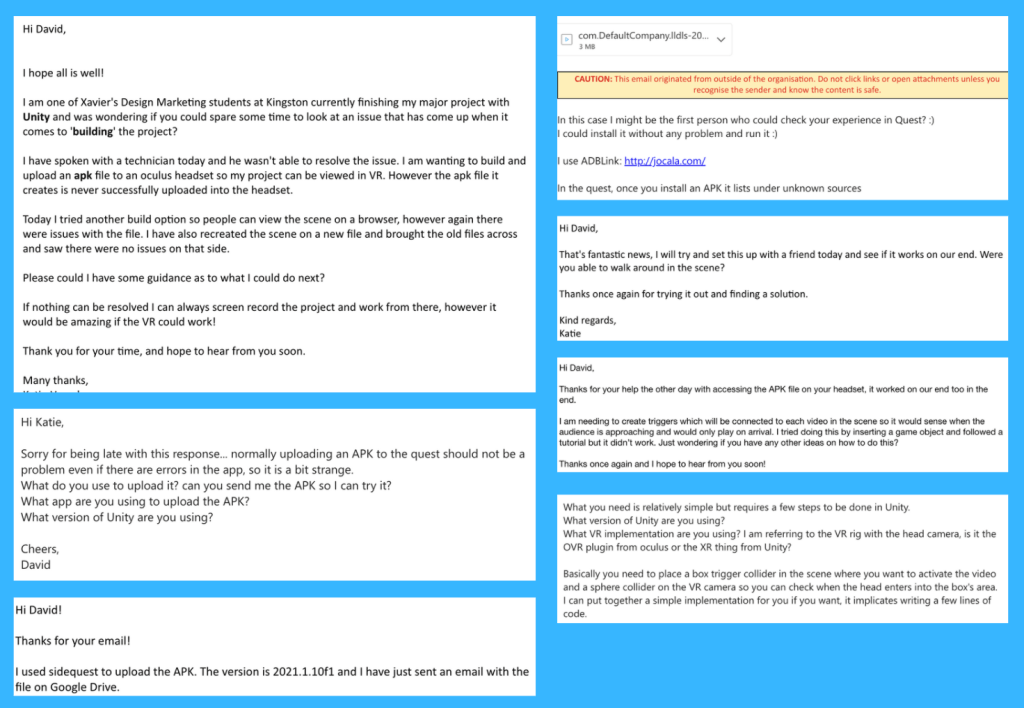
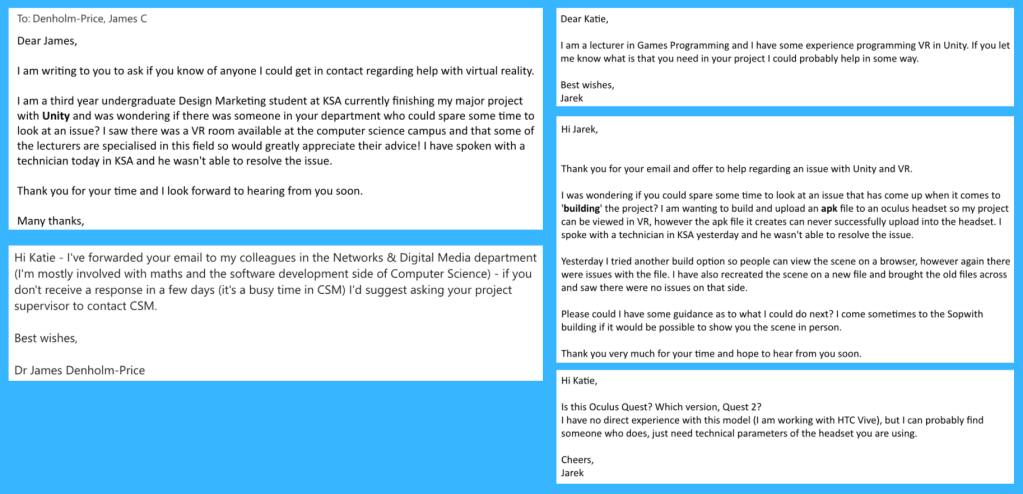
I then reached out for help from my lecturers, David (Antiloop) and other lecturers from other departments in the university. The only person in the end who helped was David who suggested alternative ways of solving the issue. My friend managed to delete some of the folders from the file and it worked on the VR headset. The spawn size was bigger than it should have been and all of the audio played at the same time but the scene was finally working. The email communication is shown below.
VR ProBuilder Learning
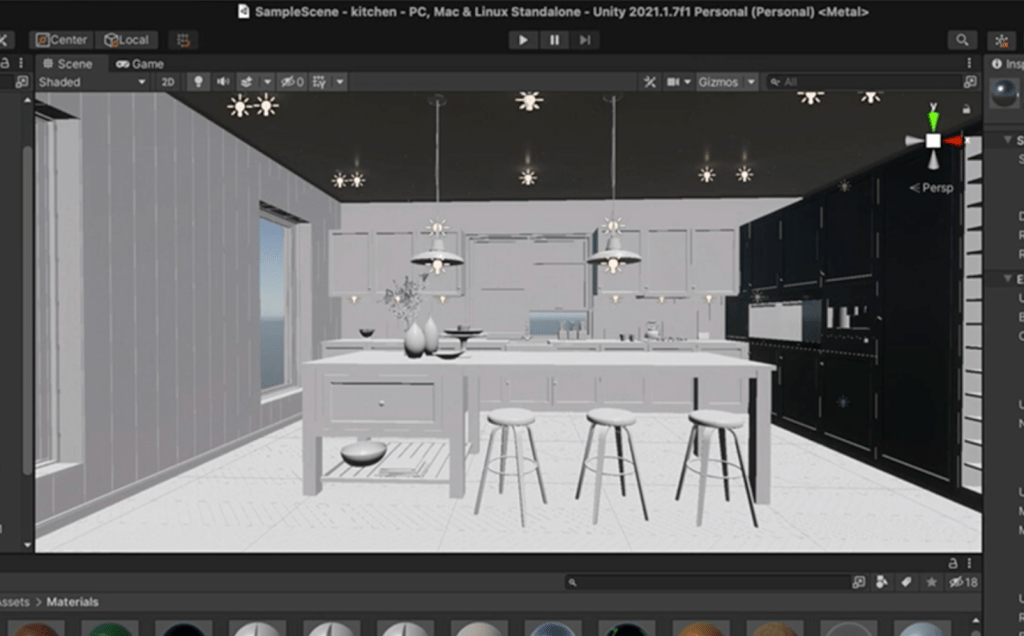
I created an invisible base barrier for the new scene with ProBuilder so that the audience couldn’t go into certain areas of the scene. This worked perfectly and I was keen to try it out in VR.
References:
IOS https://docs.unity3d.com/Manual/UnityCloudBuildiOS.html
WebGL https://docs.unity3d.com/Manual/class-PlayerSettingsWebGL.html
Email Marketing and Unity LinkedIn Courses
Finished course Email Marketing: Strategy and Optimization and Unity 3D 2021 Essential Training.
 KatiesBlog