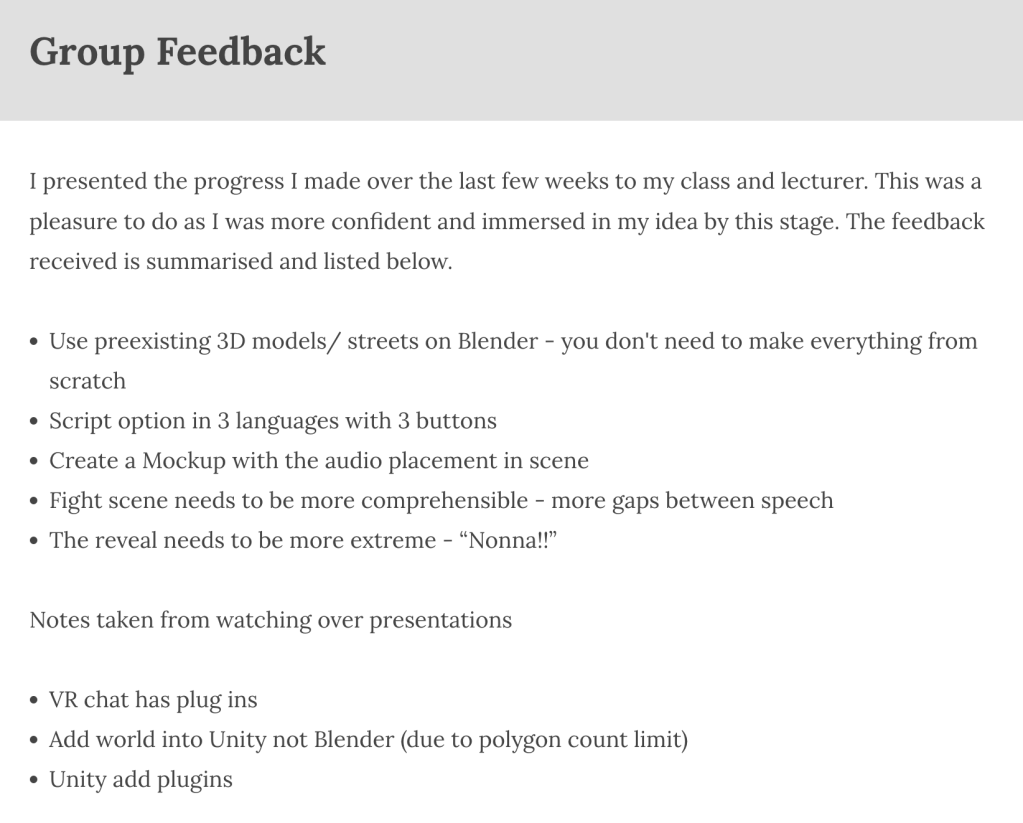
At the beginning of this week I presented my WIP to the class and received valuable feedback from my class and lectures.
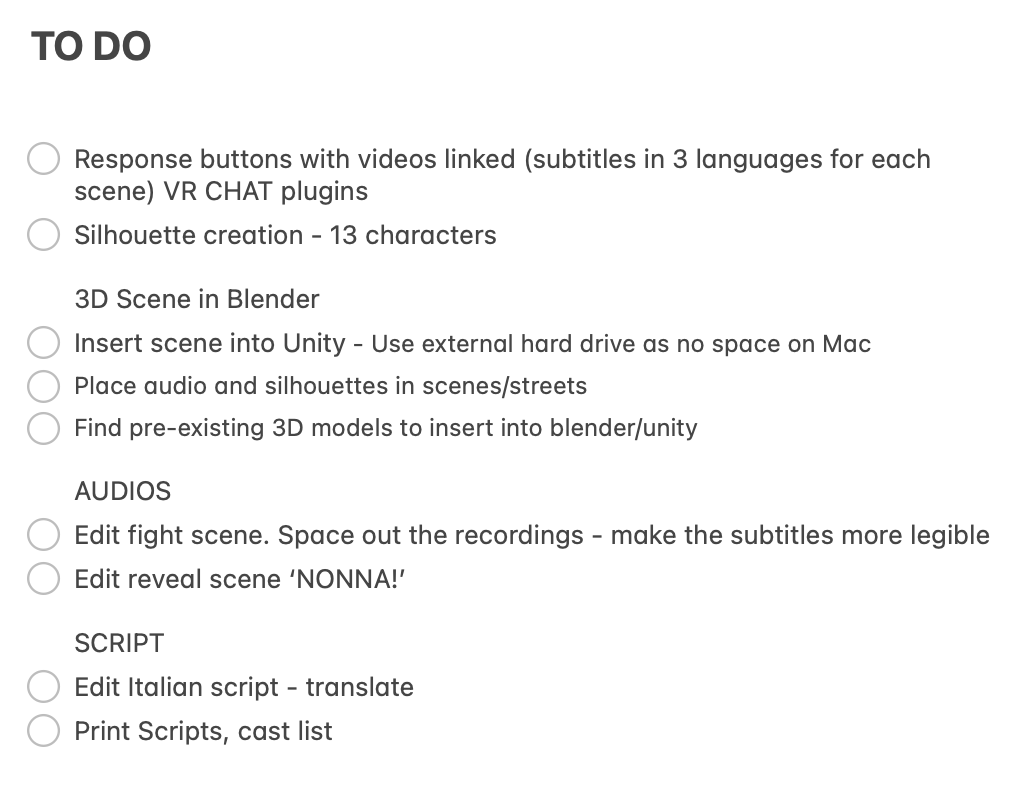
Following this I made a list of the tasks I would need to complete over the next few weeks before the final presentation. This gave me peace of mind and meant I had tasks to follow to achieve the end product.
Photoshop Editing for Blender – UV Masks
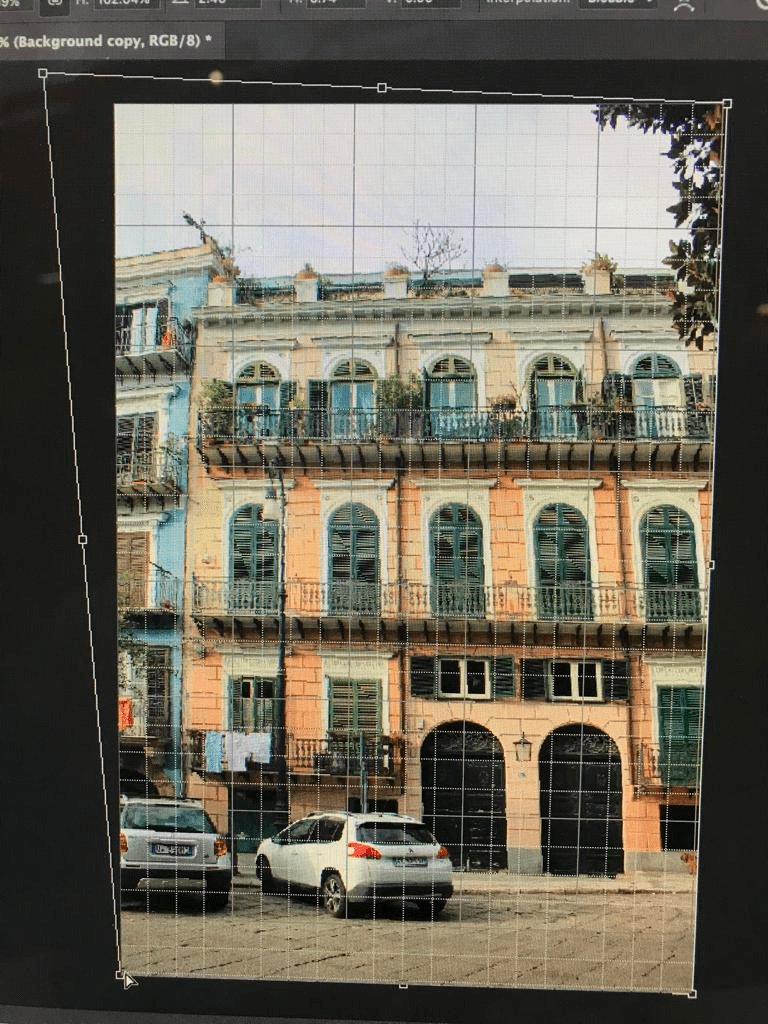
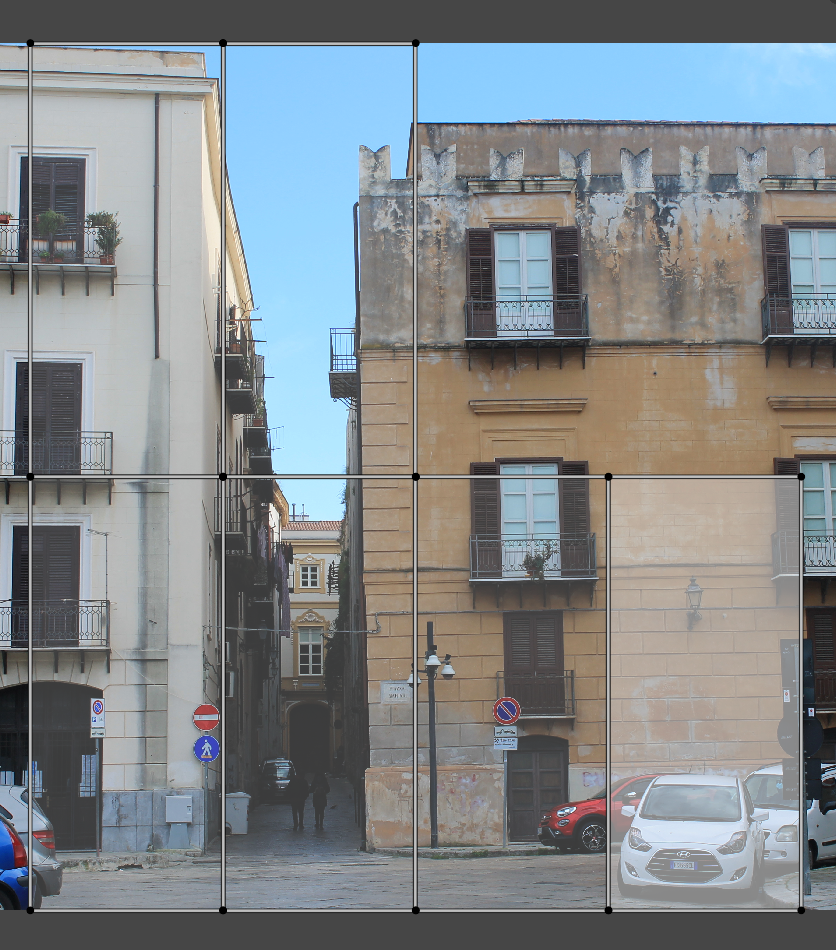
I edited photos I took in Palermo to eventually insert into the 3D street scene on Blender. I made sure the buildings were flat and would be able to easily insert onto blocks later on.
I edited 32 photos at this point and also was given some advice to possible websites to use for finding and exporting 3D models. This included TurboSquid and PolyHaven. They also mentioned exporting in an obj or blend format specifically for Blender, then fbj for other programs such as Unity.
Silhouettes
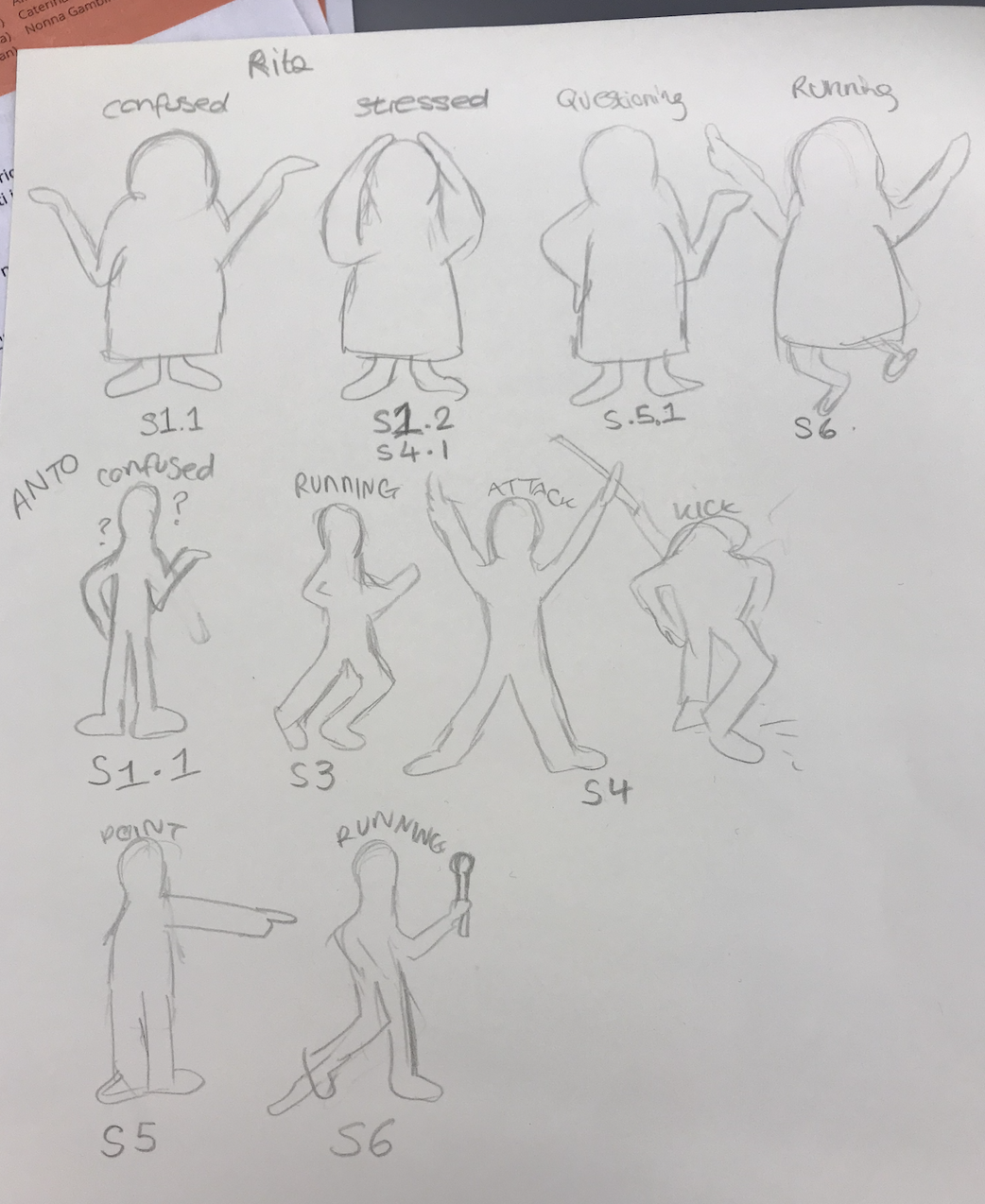
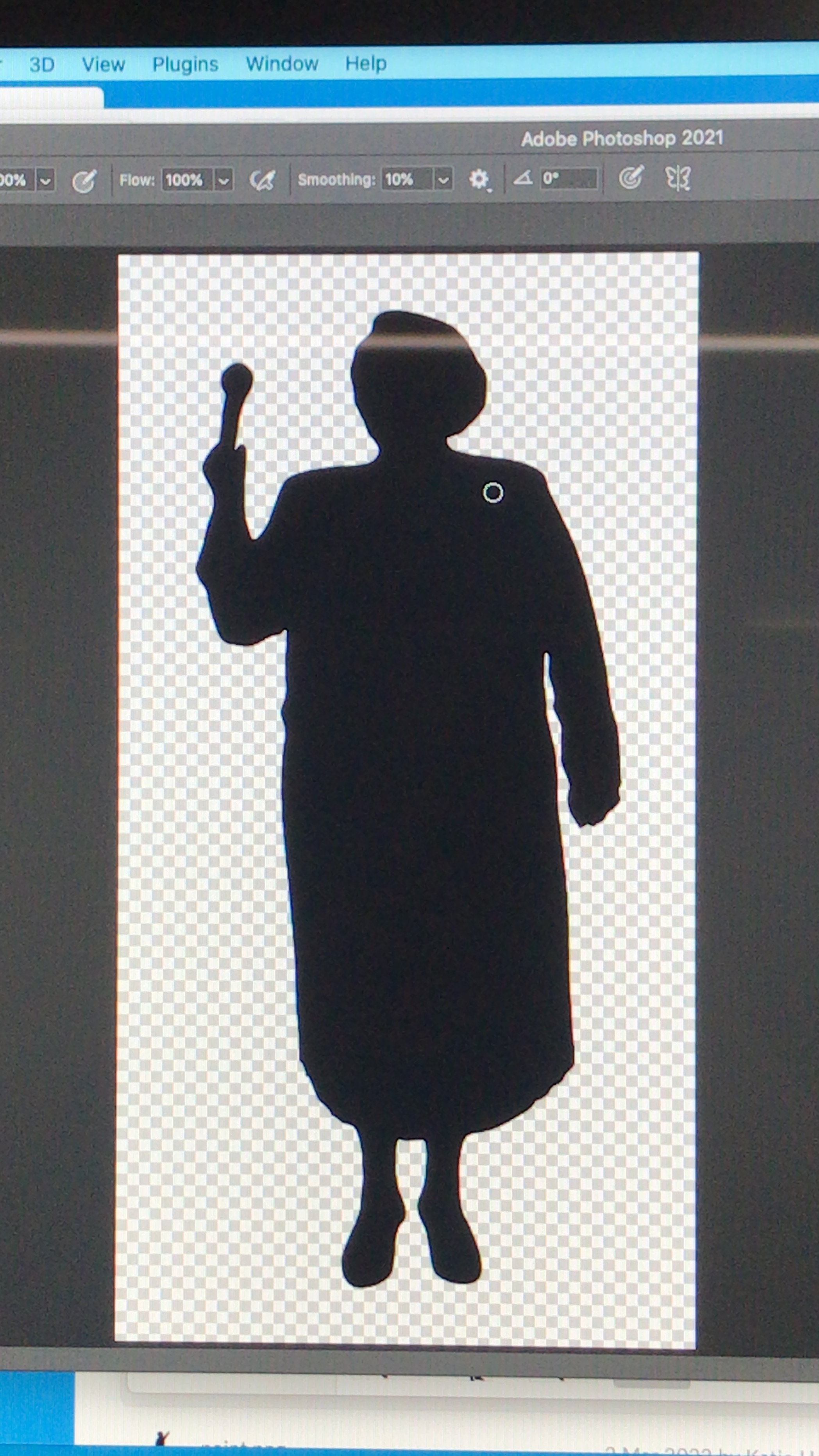
I first sketched a few of the characters and how I wanted them to appear. They needed to be expressive and easy to read. After sketching, I found many examples online of silhouettes, adjusted them on Photoshop and Illustrator and then saved them into organised folders. Overall I needed to create over 20 silhouettes for 13 characters.
References:
shorturl.at/rAD29
https://www.pngwing.com/en/free-png-nuguu
https://pngset.com/download-free-png-dhihr
https://www.freevector.com/elderly-women-silhouettes
https://pixabay.com/vectors/boy-child-dad-daughter-family-2022606/
https://pixabay.com/vectors/man-walking-confident-silhouette-2759950/
https://pixabay.com/vectors/silhouette-couple-people-man-woman-2480321/
https://pixabay.com/vectors/silhouette-isolated-man-people-3069733/
https://pixabay.com/illustrations/silhouette-man-come-in-direct-2632700/
http://clipart-library.com/free/standing-man-silhouette.html
https://www.kindpng.com/imgv/TihiT_victory-boy-silhouette-icons-png-silhouette-of-a/
https://www.vectorstock.com/royalty-free-vector/black-silhouette-of-little-boy-pointing-to-sky-vector-22709572
https://www.onlygfx.com/police-officer-silhouette-png-transparent/
https://www.alamy.com/silhouette-of-two-elderly-women-walking-with-bags-from-the-store-image384298537.html
https://depositphotos.com/vector-images/old-woman-silhouettes.html
https://www.pngitem.com/middle/TioxoTx_positive-woman-silhouette-png-download-elderly-woman-old/
https://www.vectorstock.com/royalty-free-vector/silhouette-an-elderly-woman-with-a-cane-vector-24870407
https://www.dreamstime.com/stock-images-girls-fighting-silhouette-vector-two-black-color-image40431364
https://www.clipartmax.com/middle/m2i8m2b1Z5d3m2G6_man-and-woman-fighting-silhouette/
https://www.clipartmax.com/middle/m2i8m2b1Z5d3m2G6_man-and-woman-fighting-silhouette/
https://www.dreamstime.com/fight-silhouette-two-men-vector-image100555556
https://www.dreamstime.com/fight-scene-isolated-street-fighter-silhouettes-two-fighters-silhouette-over-white-background-image115966304
https://www.vhv.rs/viewpic/TTmwRR_people-silhouette-presenting-hd-png-download/
https://www.clipartmax.com/middle/m2i8b1d3Z5m2i8Z5_presenting-silhouette-person-present-business-presenting-person-silhouette/
Modifications – Italian Script & Video Subtitles
After having worked primarily on the English and Sicilian scripts, I went back and changed the Italian version so I could use it as an option for the user subtitles. I translated mainly from Sicilian and checked with friends to see if it all made sense. I then printed a cast list and my notes so I could see the progress I had made up until this point.
The second presentation feedback pushed me onto editing the reveal scene ‘NONNA!’ (5) and the fight scene (4). I spaced out the recordings in order to make the subtitles more legible.
SWITCH UP – Blender to Unity
Initially I wanted to create the entire scene in Blender and then import it into Unity, however after hearing from a fellow classmate about her experience and struggles with a similar process, I decided to avoid the same scenario and work primary on Unity. I also tried to work on Mozilla Hubs however didn’t let me upload 3D files. I uploaded my 3D street to Sketch Fab and it didn’t let me download after uploading the file (only with a premium account).
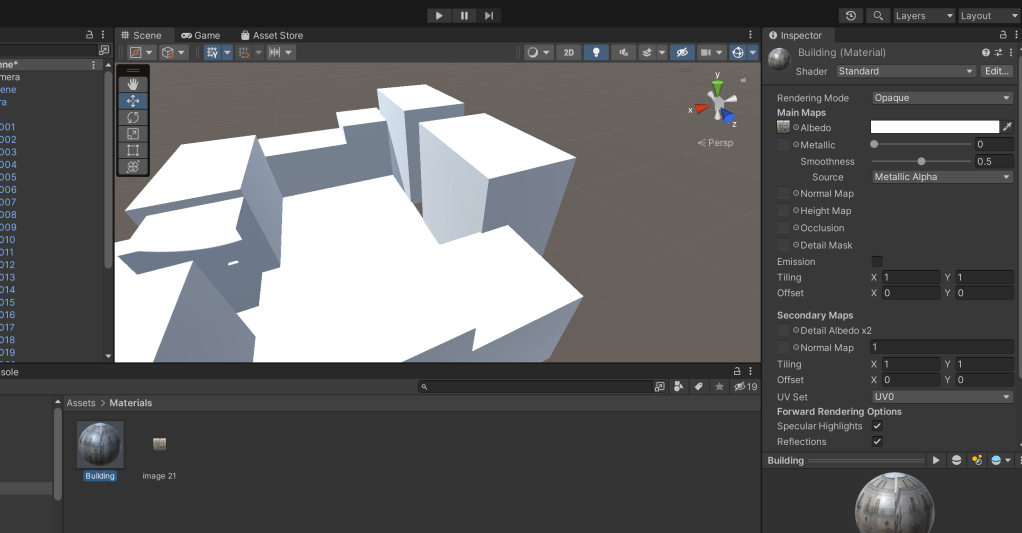
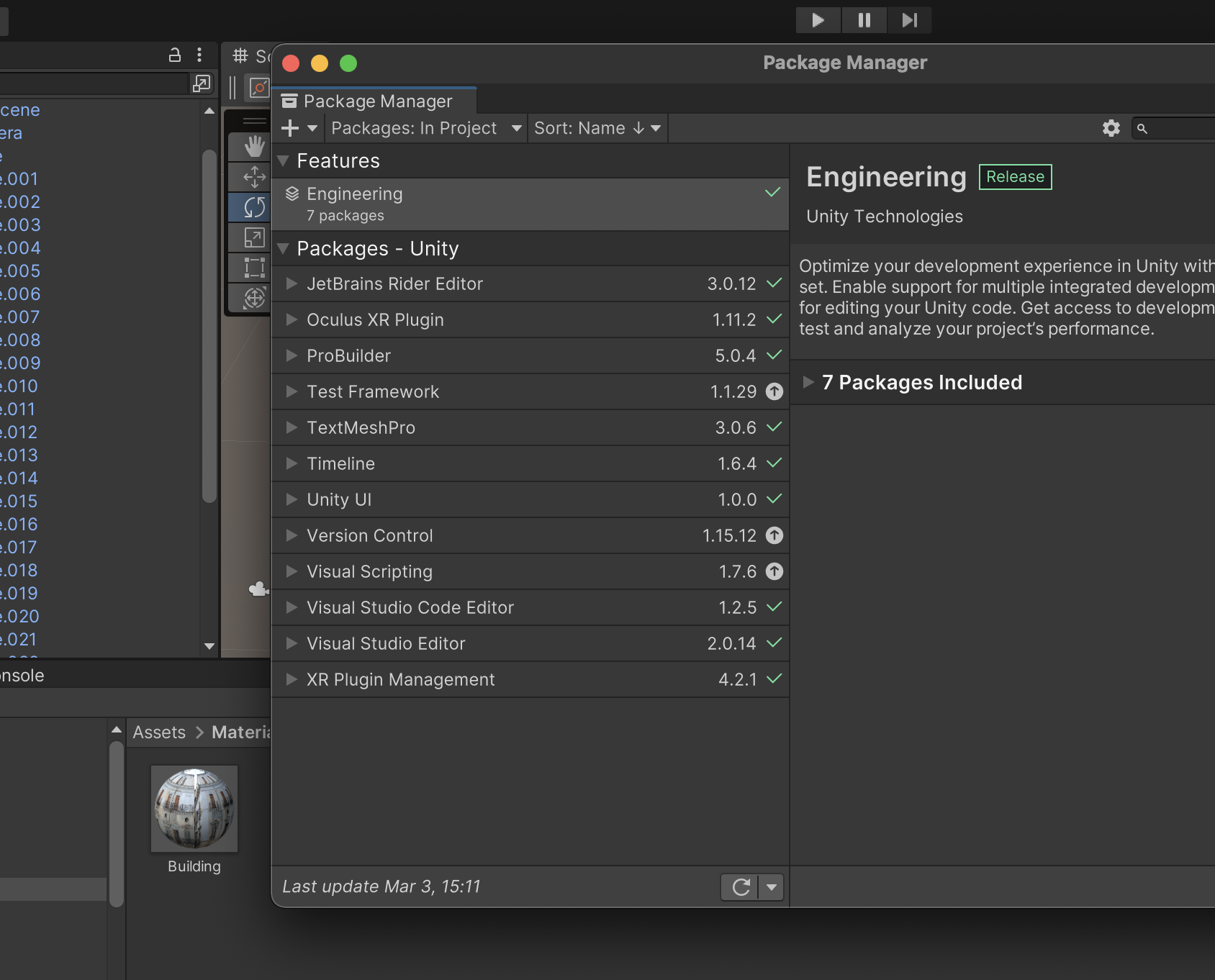
I inserted the scene I made in Blender into Unity and followed multiple tutorials on how to set up the scene in Unity. I also asked for help from a friend at this stage in order to understand what packages were necessary to download and not. By this stage I had to uninstall all of my Adobe Suite programs from my computer as there was NO STORAGE. Unity doesn’t require too much space, but the downloading process does. Also the process took a while, so I made sure I was doing other things during the installation.

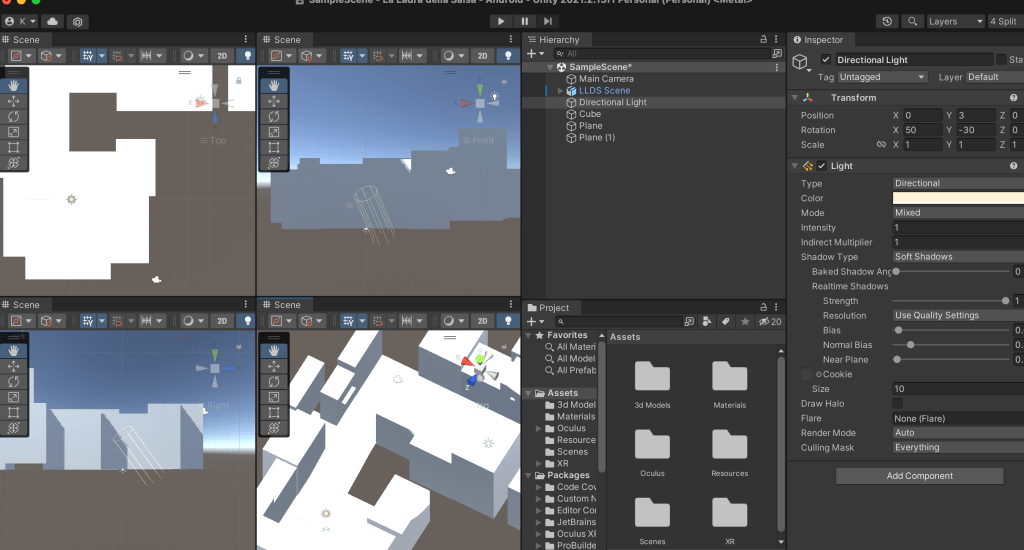
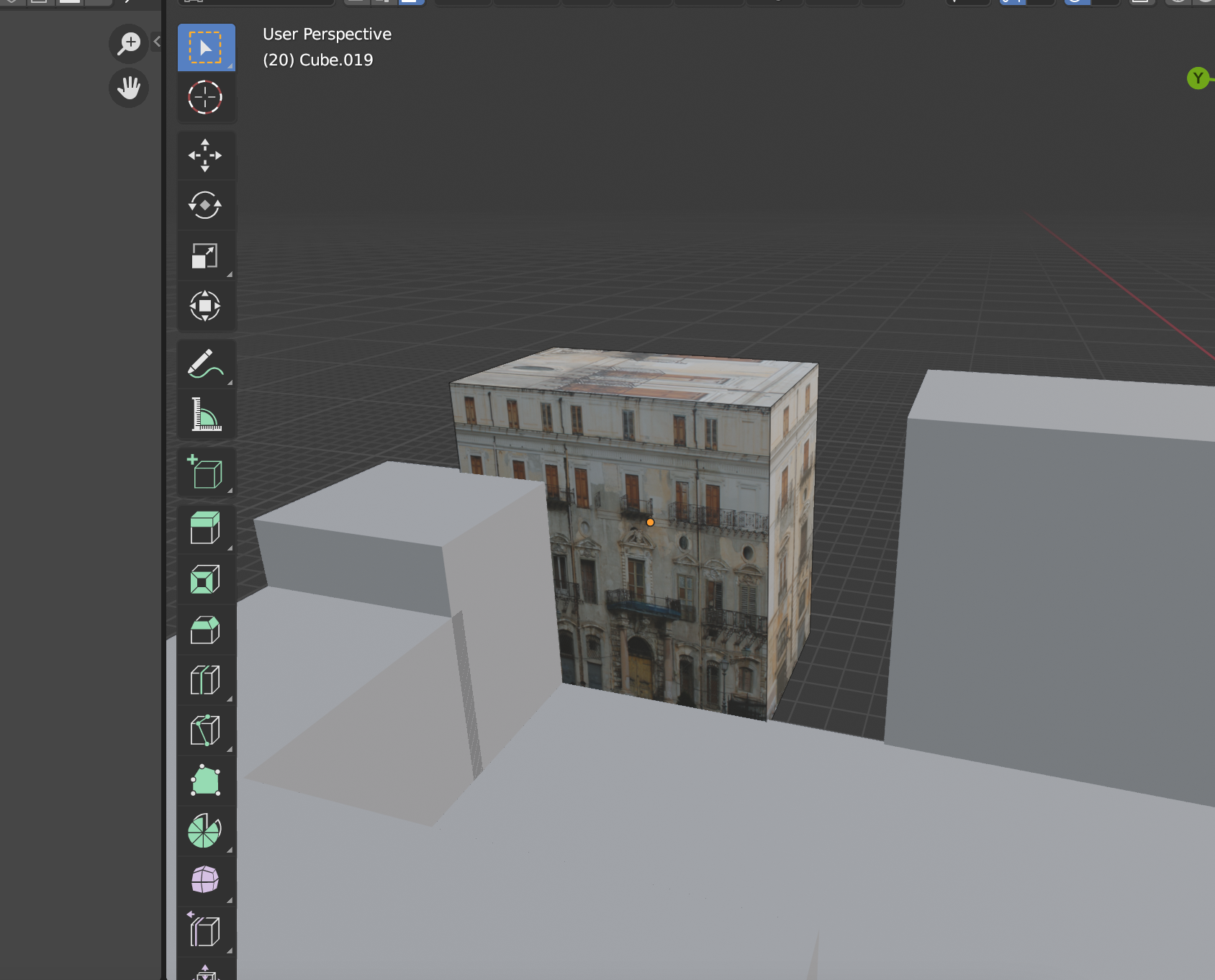
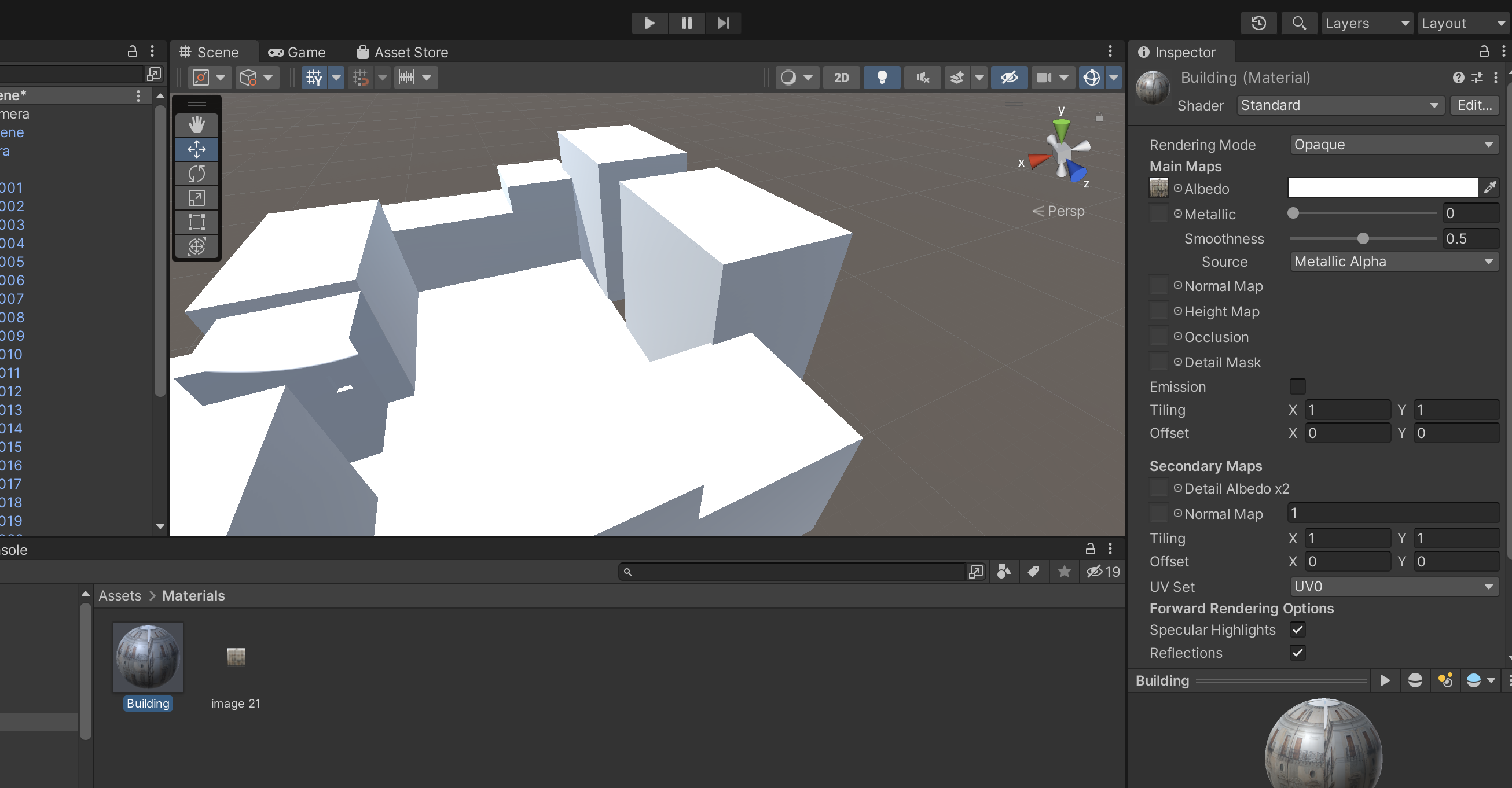
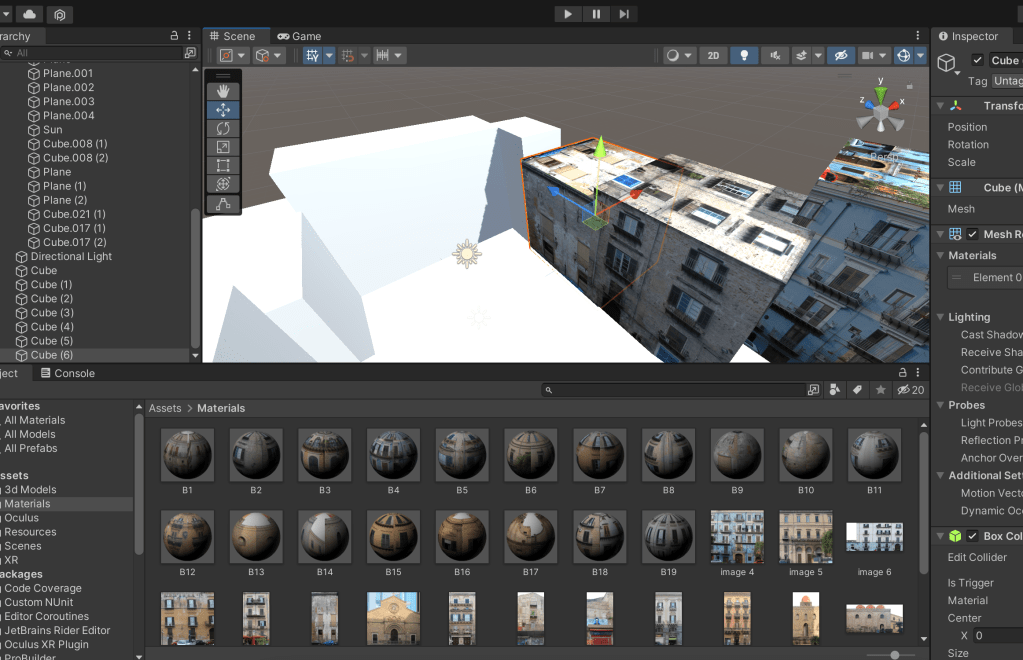
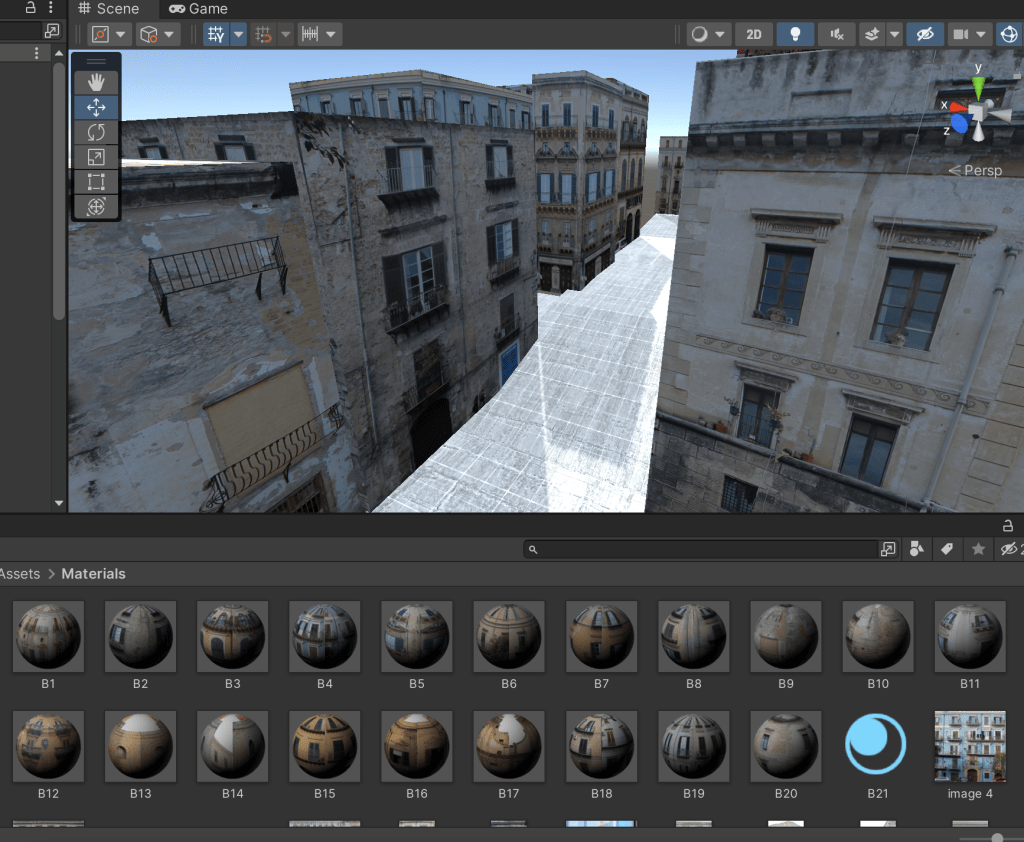
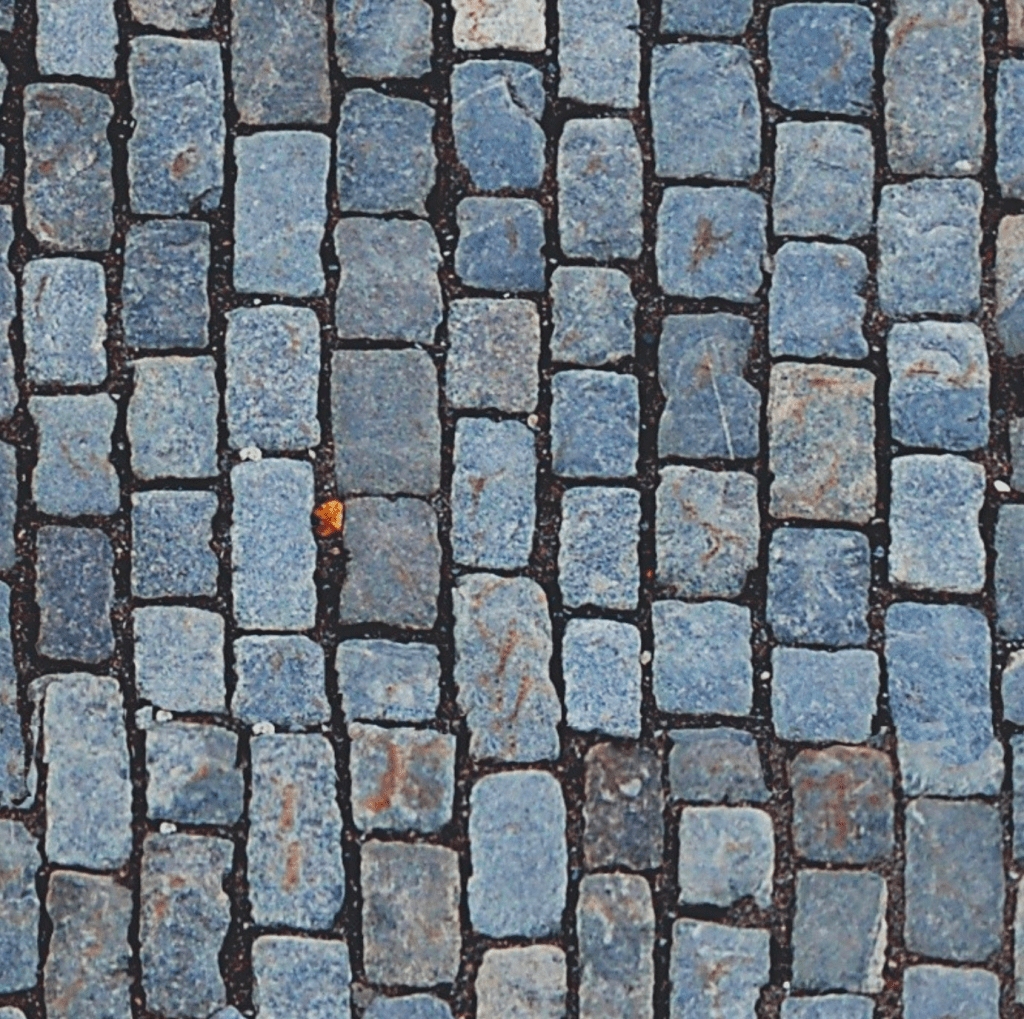
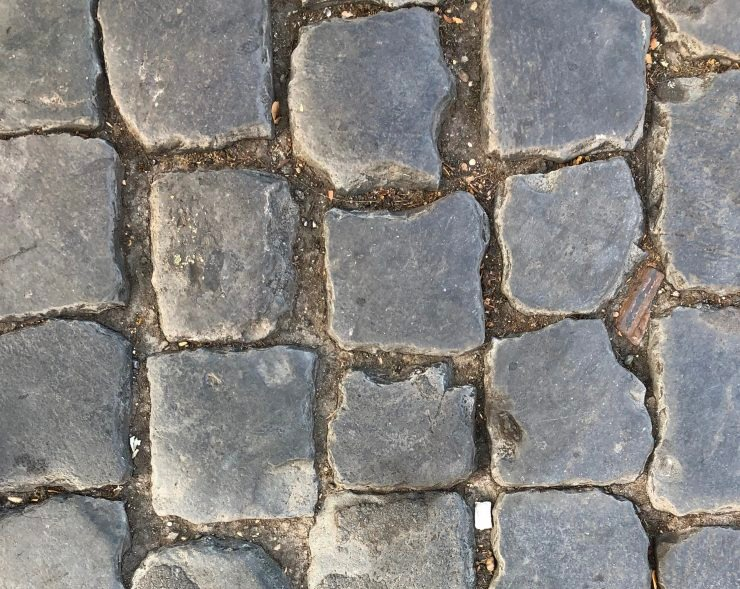
I exported the 3D Blender file and imported it into a new scene in Unity. I followed a few tutorials to get the scene set up and asked for some help with making sure that everything was set correctly. I then tried to attach the photos taken in Palermo which I adjusted on Photoshop before, onto the buildings but had some difficulties so I ended up recreating the scene with game objects and attached the photos to the squares. I made materials with all of the photos and inserted them onto the appropriate box sizes. The LinkedIn learning course I was following (<a href=”http://<!– wp:paragraph –> <p>https://www.linkedin.com/learning/unity-3d-2021-essential-training – course</p> https://www.linkedin.com/learning/unity-3d-2021-essential-training – course) was very helpful at this stage as it clearly explained the navigation tools, materials etc that I was working with.
References:
https://assetstore.unity.com/packages/tools/integration/oculus-integration-82022
Pro builder
https://sketchfab.com/
https://hubs.mozilla.com/
Ground texture – https://www.sketchuptextureclub.com/textures/architecture/roads/paving-streets/cobblestone/street-paving-cobblestone-texture-seamless-07391
https://polyhaven.com/a/cobblestone_floor_08
Mozilla Hubs
https://www.youtube.com/watch?v=WoKuRH7-JhE – Importing Your Own 3D Model into Mozilla Hubs and Spoke
https://www.youtube.com/watch?v=x8hXCCe5X_4 – How to create architectural VR walkthroughs with online tools, Pt. 2: Mozilla Hubs
Videos for using blender:
https://www.youtube.com/watch?v=hTro_QBEXR4 – 3D navigating in Blender
https://www.youtube.com/watch?v=NjflKgMepQs – How to Import Blender 2.8 & 2.9 to Unity
https://www.youtube.com/watch?v=Y7M-B6xnaEM – UV Unwrapping – Blender 2.80 Fundamentals
Unity learning:
https://www.youtube.com/watch?v=yxMzAw2Sg5w – How to Make VR Games in 2022 – Updated Unity VR Tutorial
https://www.youtube.com/watch?v=EnPiRrQ_tBY – How to build Unity game on macOS for Windows in 3 minutes
https://www.youtube.com/watch?v=qsU4nM0L_n0 – MAKE GAMES WITHOUT CODE! – Unity 3D Game Kit
https://www.linkedin.com/learning/unity-3d-2021-essential-training – course
https://www.linkedin.com/learning/unity-3d-2021-essential-training/exercise-files?autoSkip=true&autoplay=true&resume=false&u=56743409 – LinkedIn learning course
 KatiesBlog